Skip to content
RingoX keeps business communication moving. Desktop · Mobile · Web App
Business professional
FEATURES

More than
just a call.
A smarter way to work.

RingoX brings business calling, messaging, conference calling, contacts, notes, history and communication tools together in one modern experience.

Business Calling Make and receive professional calls.
Messaging Keep customer conversations moving.
Conference Calls Bring more people into the conversation.
Team Communication Keep teams connected throughout the day.
INCOMING CALL Business line ringing
CALL NOTES Context saved for later
CONTACT PROFILE Customer details available
TEAM CONVERSATION Keep communication moving
THE RINGOX EXPERIENCE
Voice Calls
Messaging
Call Controls
Web + Apps
CALL FLOW

From the first ring to the follow-up.

See how RingoX supports different moments in a business call.

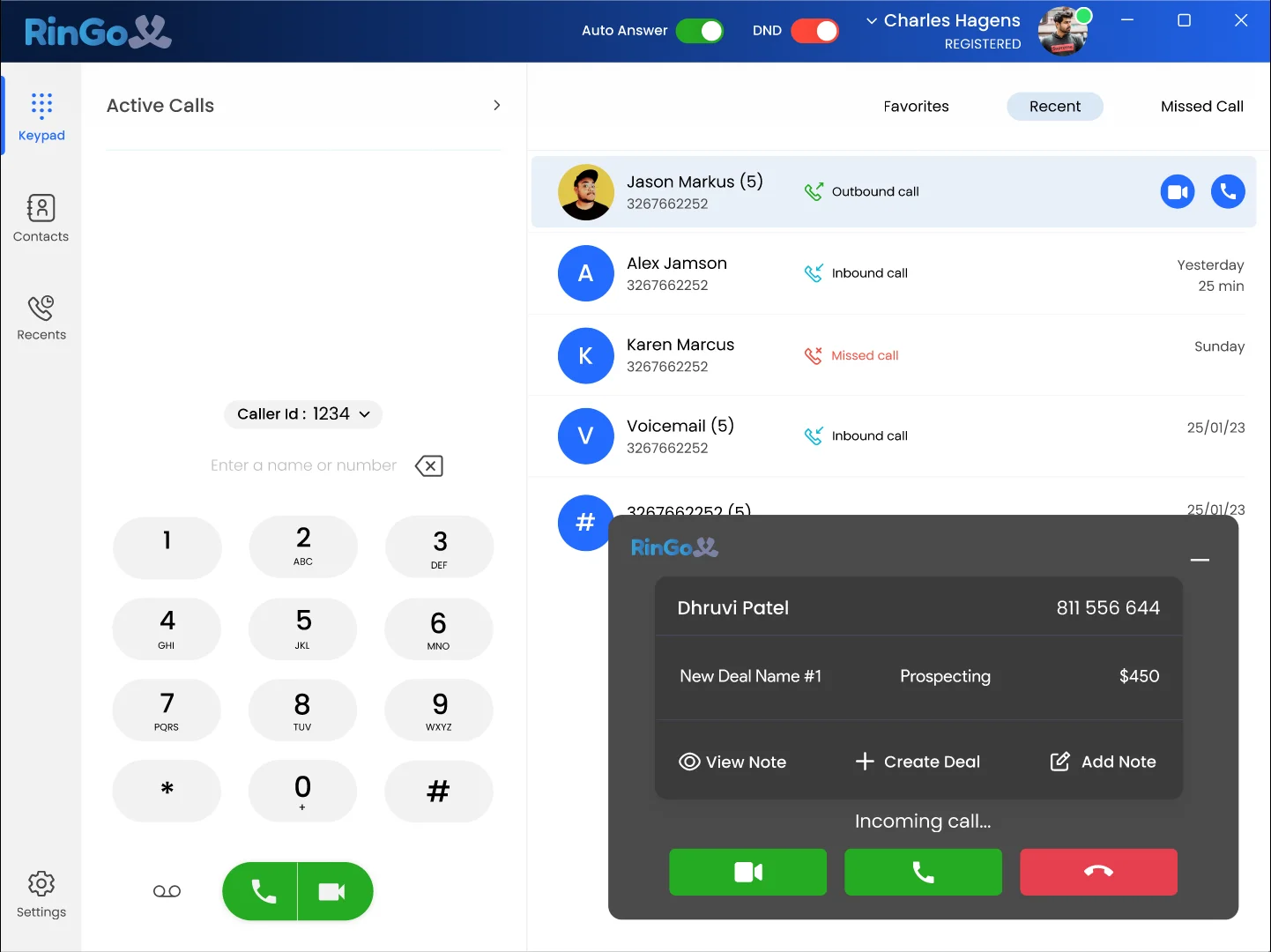
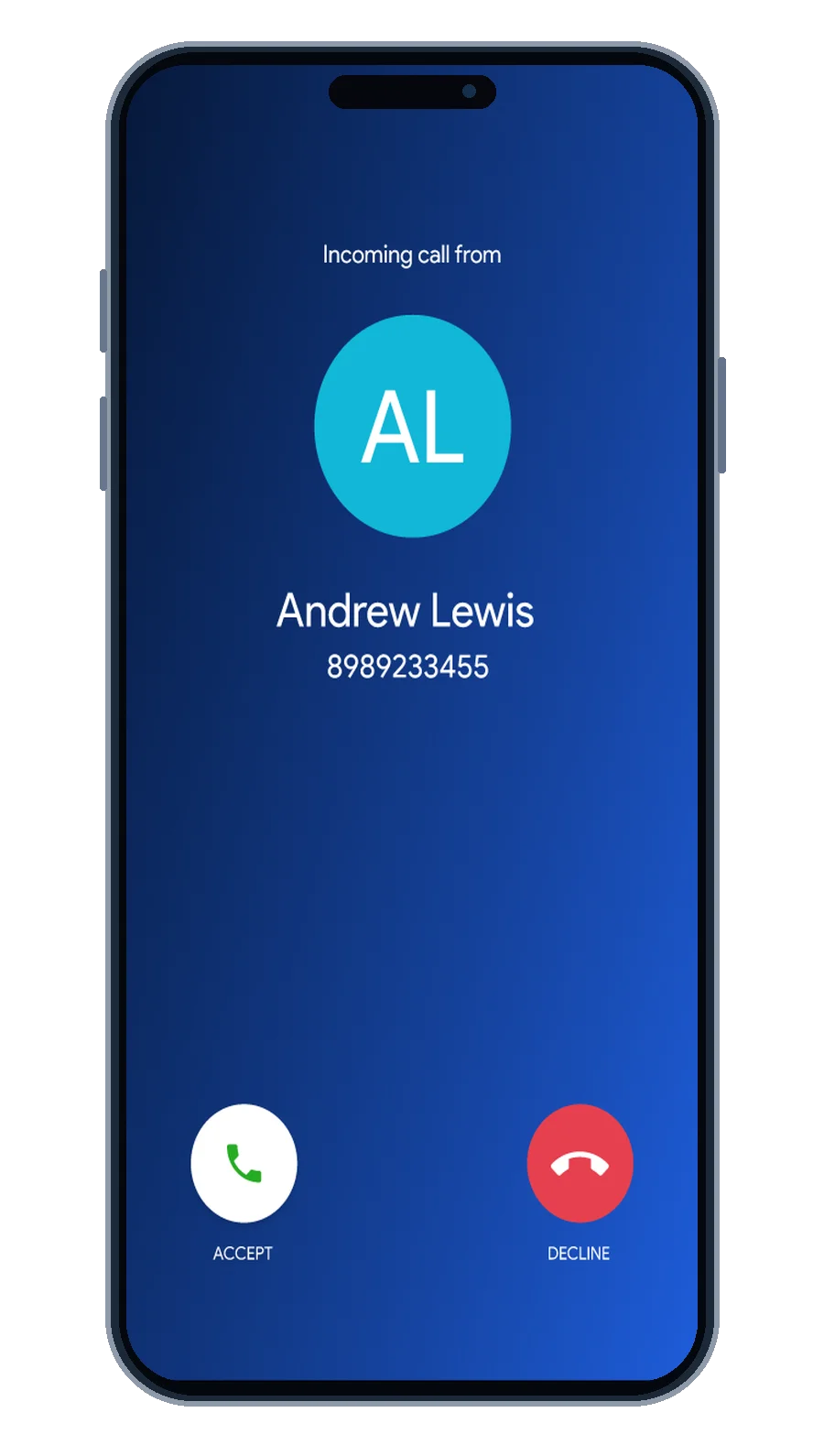
RingoX incoming call
01

Incoming Call

See who's calling and answer directly from RingoX.

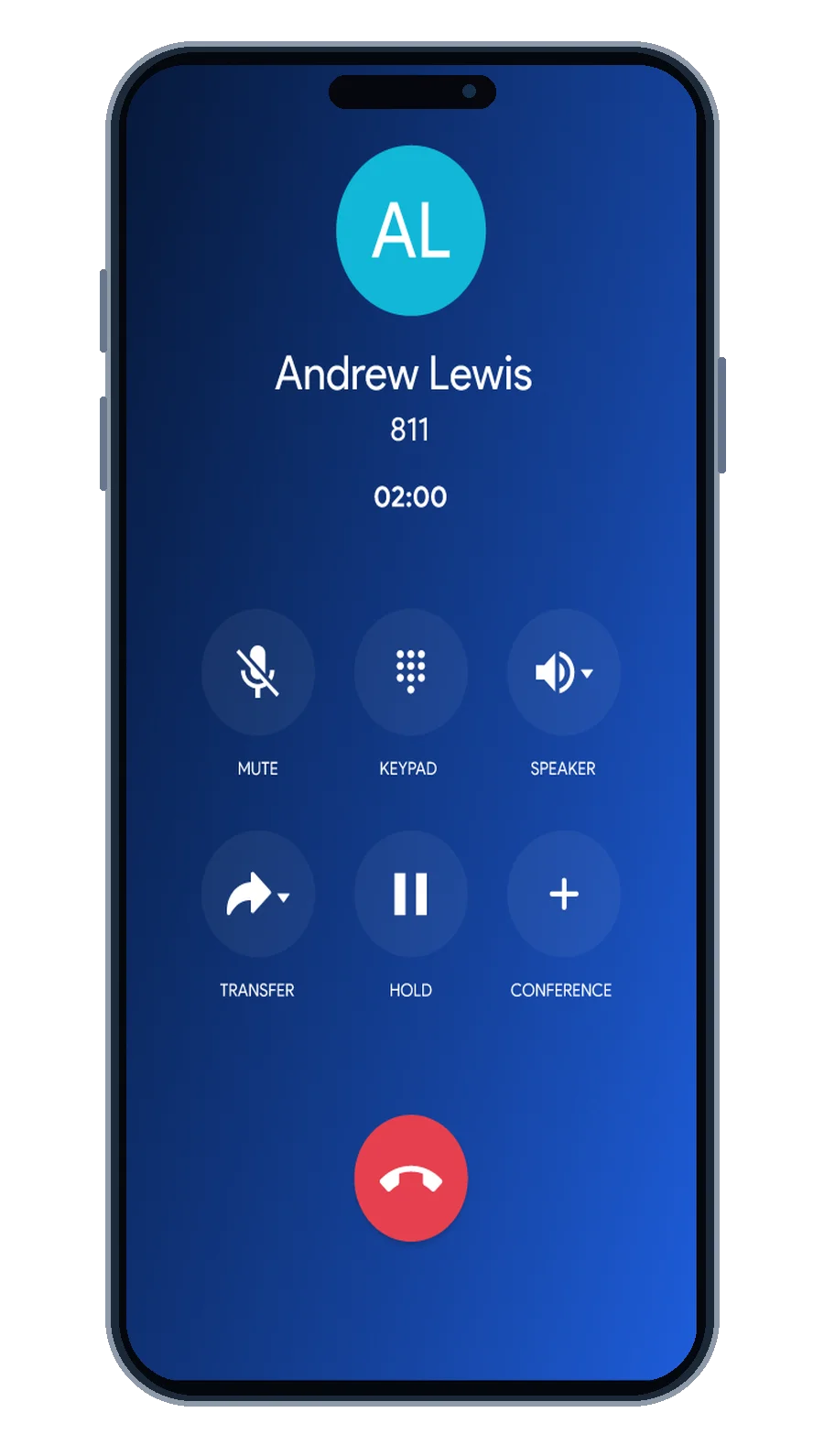
RingoX active mobile call
02

In-Call Controls

Mute, keypad, audio and additional calling controls.
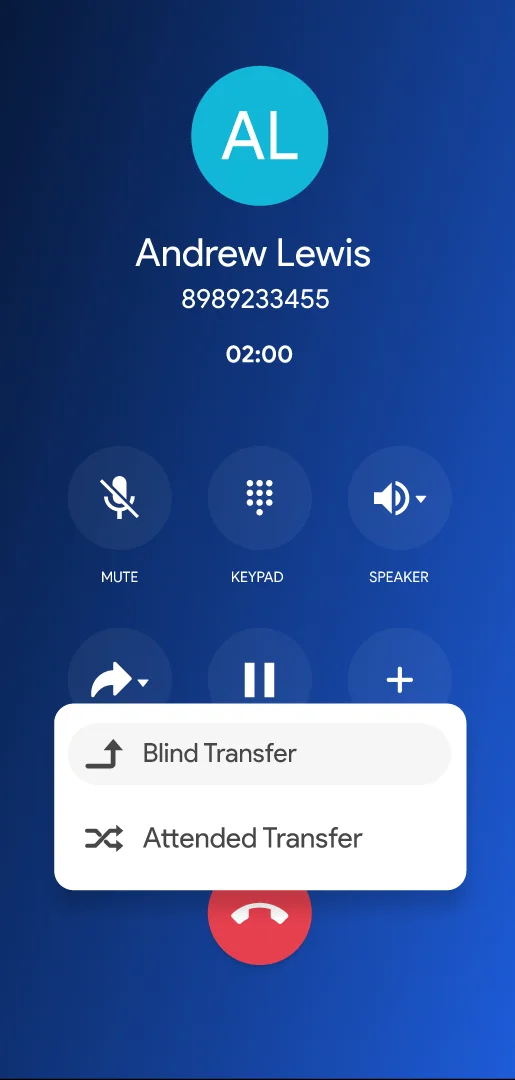
RingoX call transfer
03

Transfer

Use supported attended and blind transfer options.
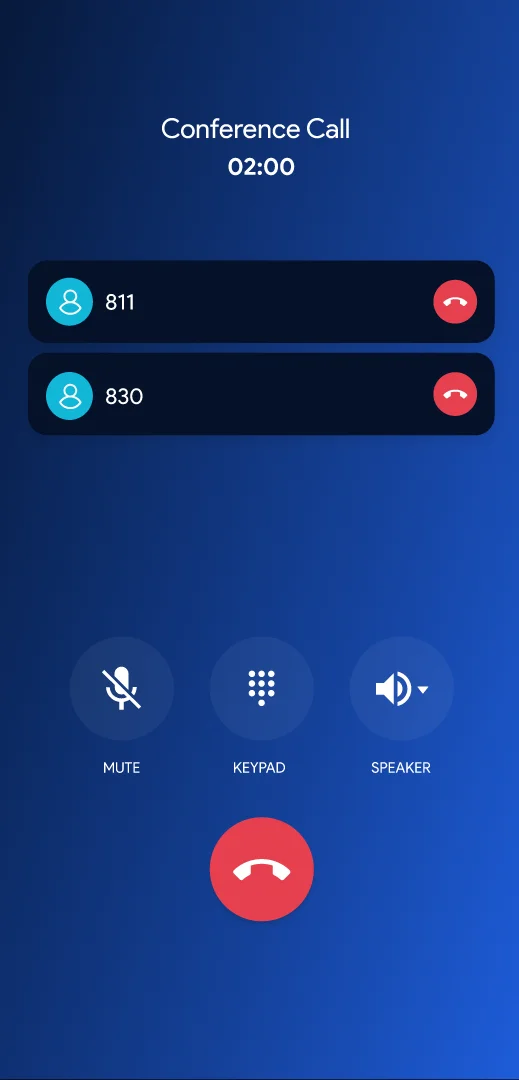
RingoX conference call
04

Conference Call

Bring additional people into the conversation.
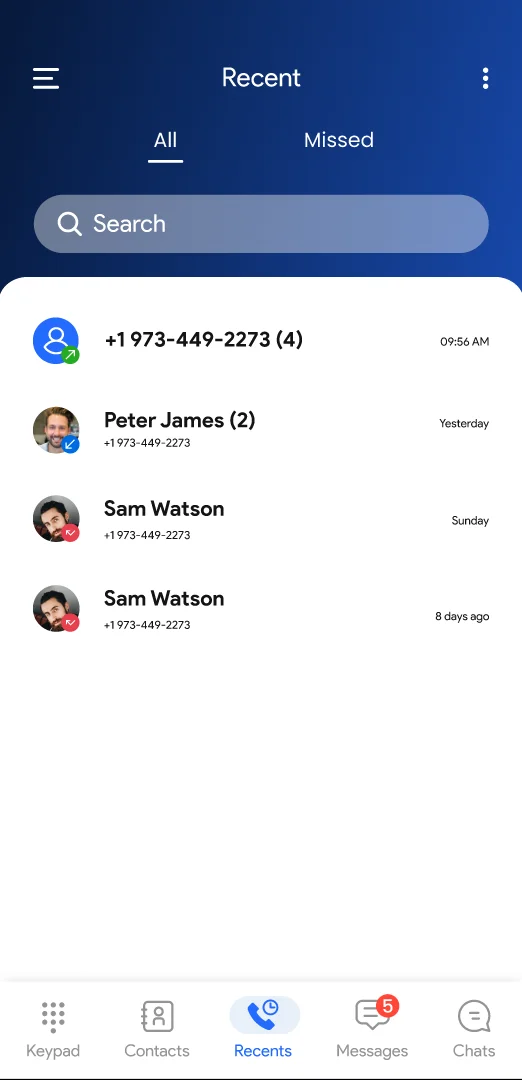
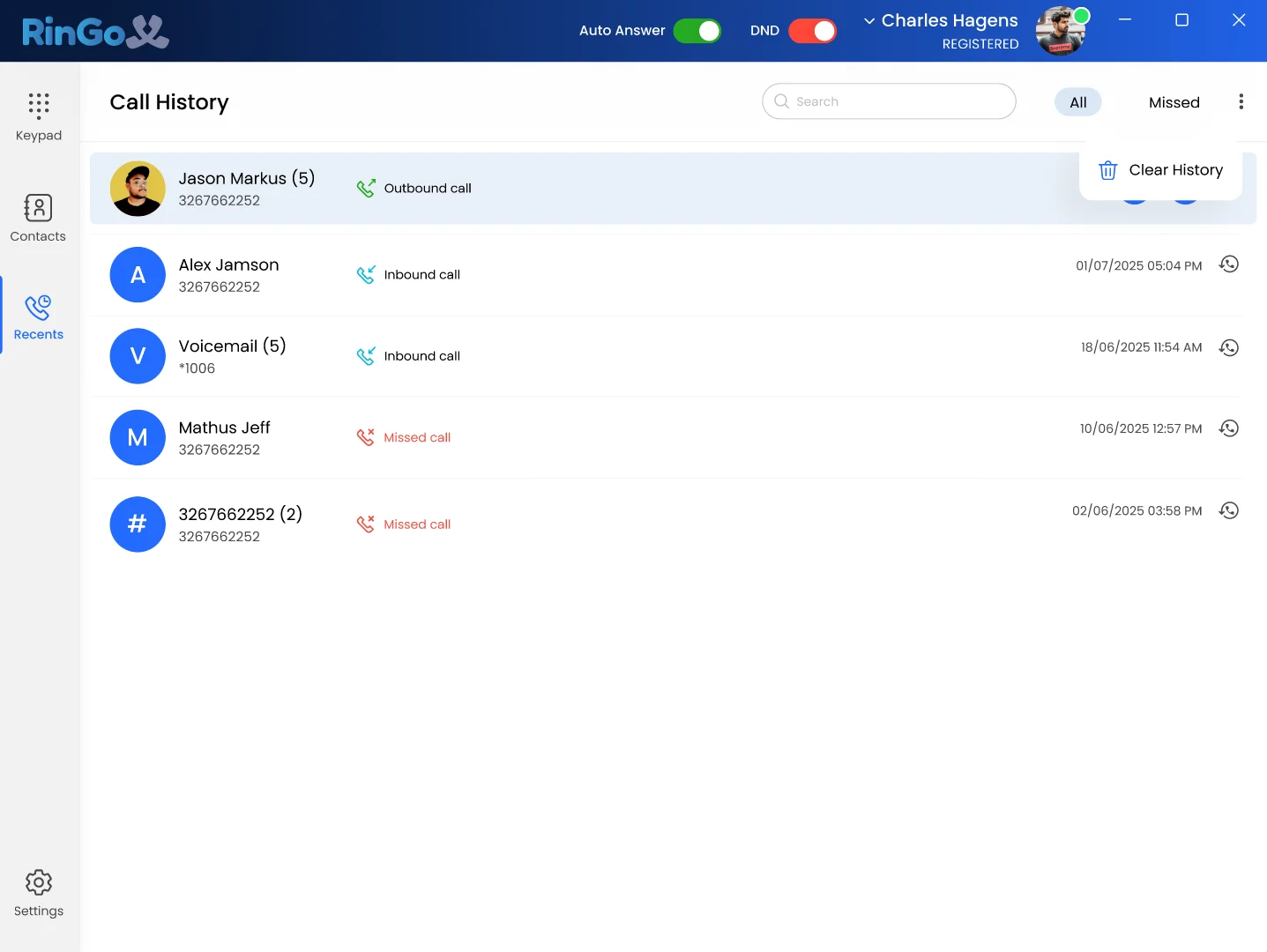
RingoX mobile call history
05

Call History

Return to previous conversations and recent activity.

CONTEXT THAT STAYS WITH YOU

Turn conversations into progress.

Keep contacts, recent calls and useful notes closer together so every new conversation can begin with more context.
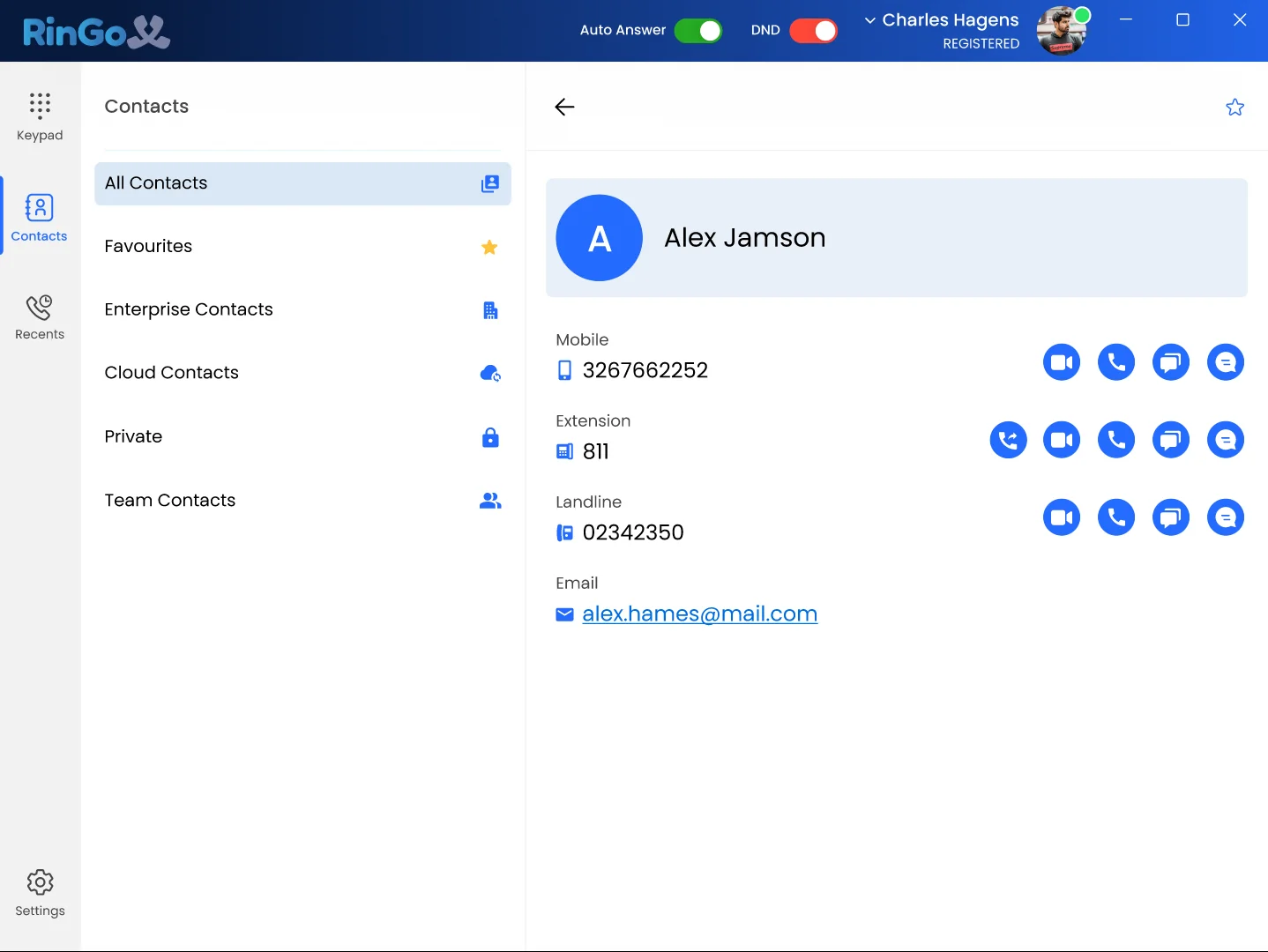
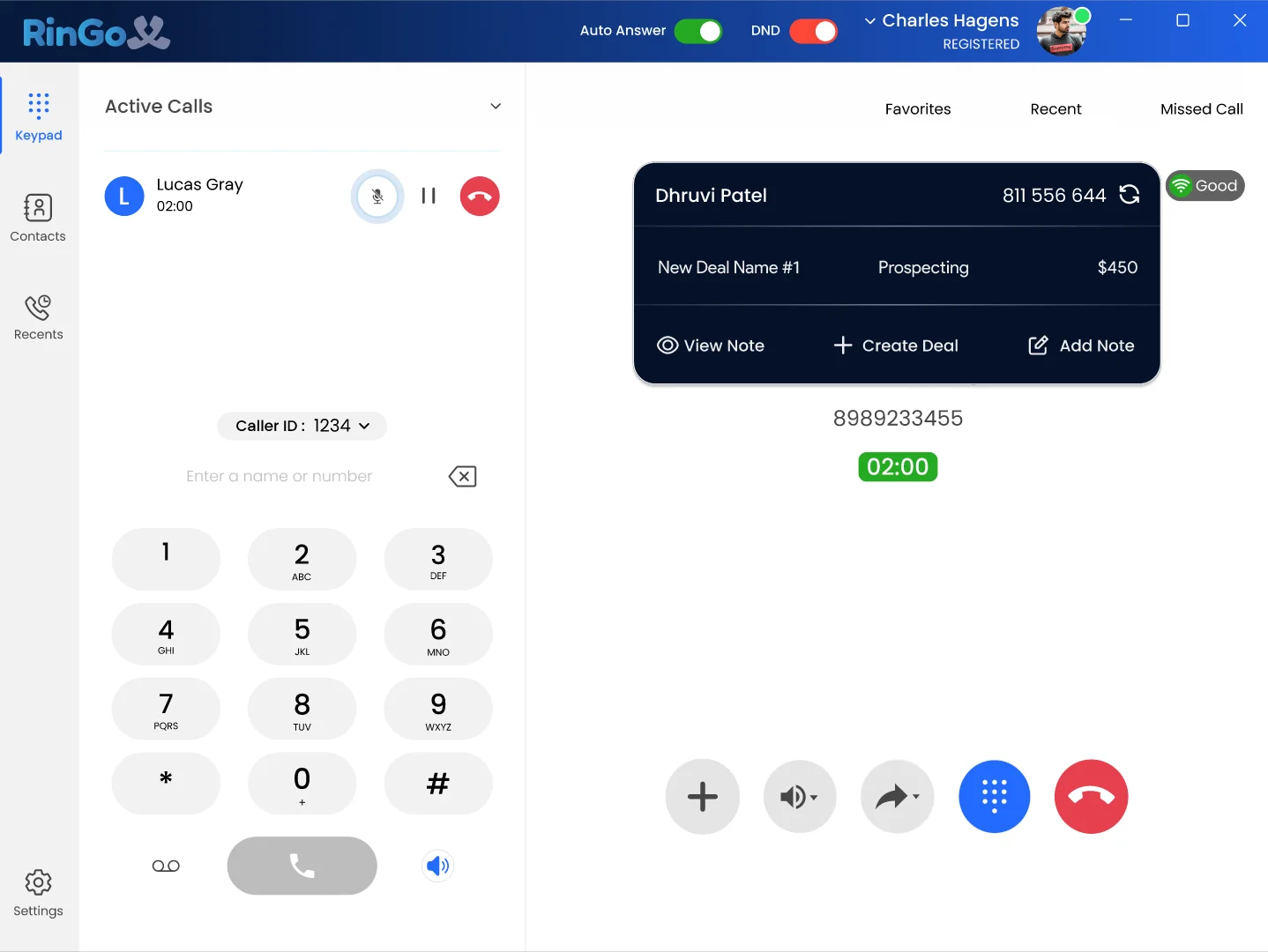
Save useful call notes
View saved contact details
Access recent calling activity
Bring saved context into future conversations
RingoX contact details RingoX call notes RingoX incoming call saved notes
BUILT FOR TEAMS

Different Teams. One Connected Experience.

Give different parts of your business one connected place to communicate and keep everyday conversations moving.

RingoX
Sales professional wearing headset
Sales
Marketing professional
Marketing
Customer support professional wearing headset
Customer Support
Operations professional
Operations
Voice Calls
Messaging
Conference
Team Work
ANYWHERE · ANY DEVICE

Works on All Your Devices

Use RingoX on desktop, mobile and the Web App wherever your work continues.
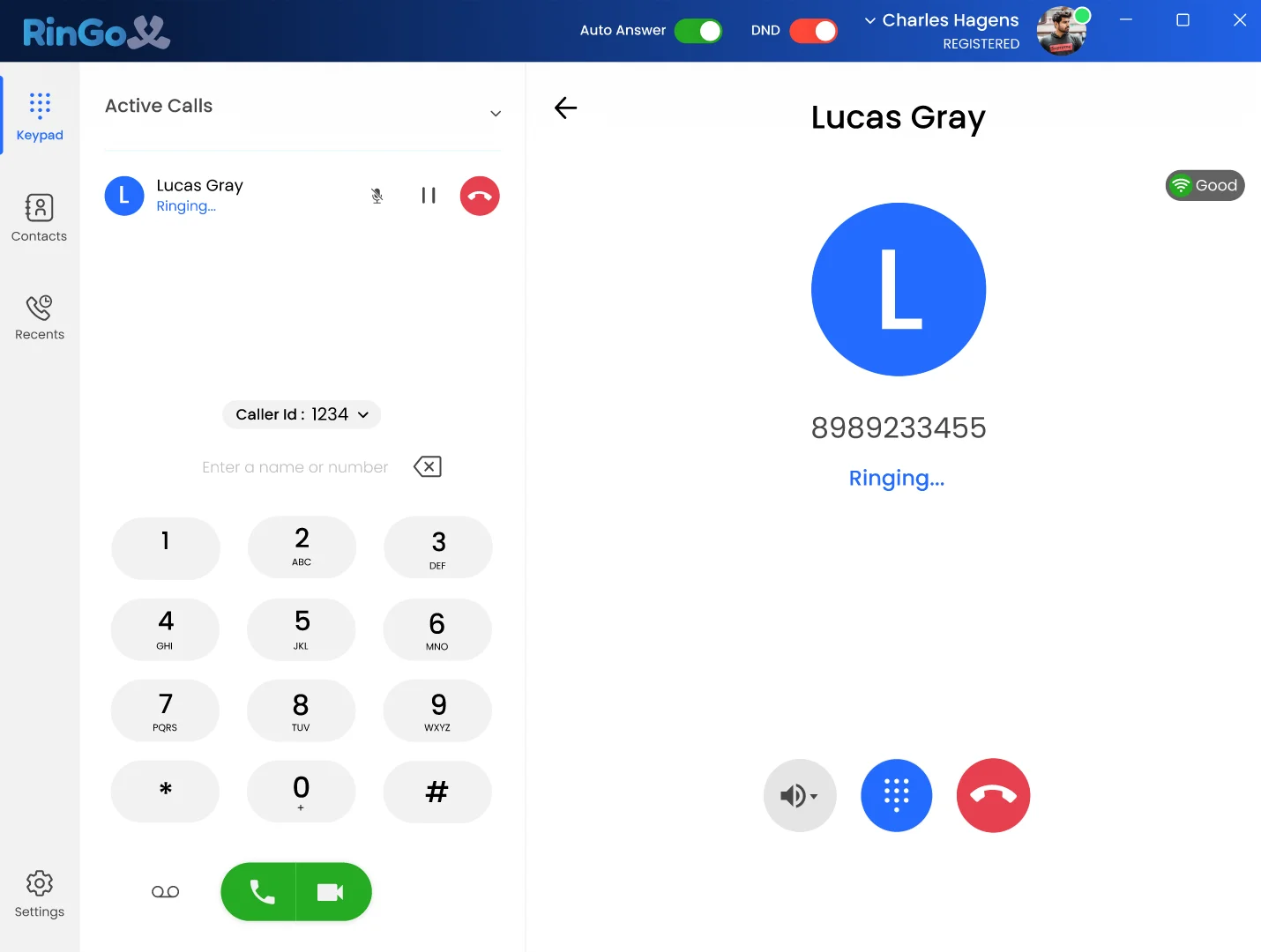
RingoX mobile application
Mobile App
RingoX desktop application
RingoX Desktop App
RingoX Web App
RingoX Web App
Web App
Windows
macOS
iOS
Android
Web App
FEATURE DIRECTORY

More ways to keep the conversation moving.

01

Business Calling

Make and receive professional business calls.

02

Call Transfer

Attended and blind transfer controls where supported.

03

Conference Calls

Bring additional participants into conversations.

04

Multiple Calls

Stay aware when another call arrives.

05

Call History

Keep recent calling activity within reach.

06

Contacts

Keep useful business and customer details available.

07

Call Notes

Preserve useful information around conversations.

08

Presence Status

Make supported user availability easier to understand.

09

Push Notifications

Keep important supported communication events visible.

10

Desktop App

Use RingoX from supported Windows and macOS computers.

11

Mobile App

Keep business communication available on iOS and Android.

12

Web App

Access RingoX from a supported web browser.

READY TO EXPERIENCE MORE?

Start communicating smarter with RingoX.

Bring business calling, messaging, call controls, contacts, desktop, mobile and Web App access together in one connected experience.

Get Started with RingoX →