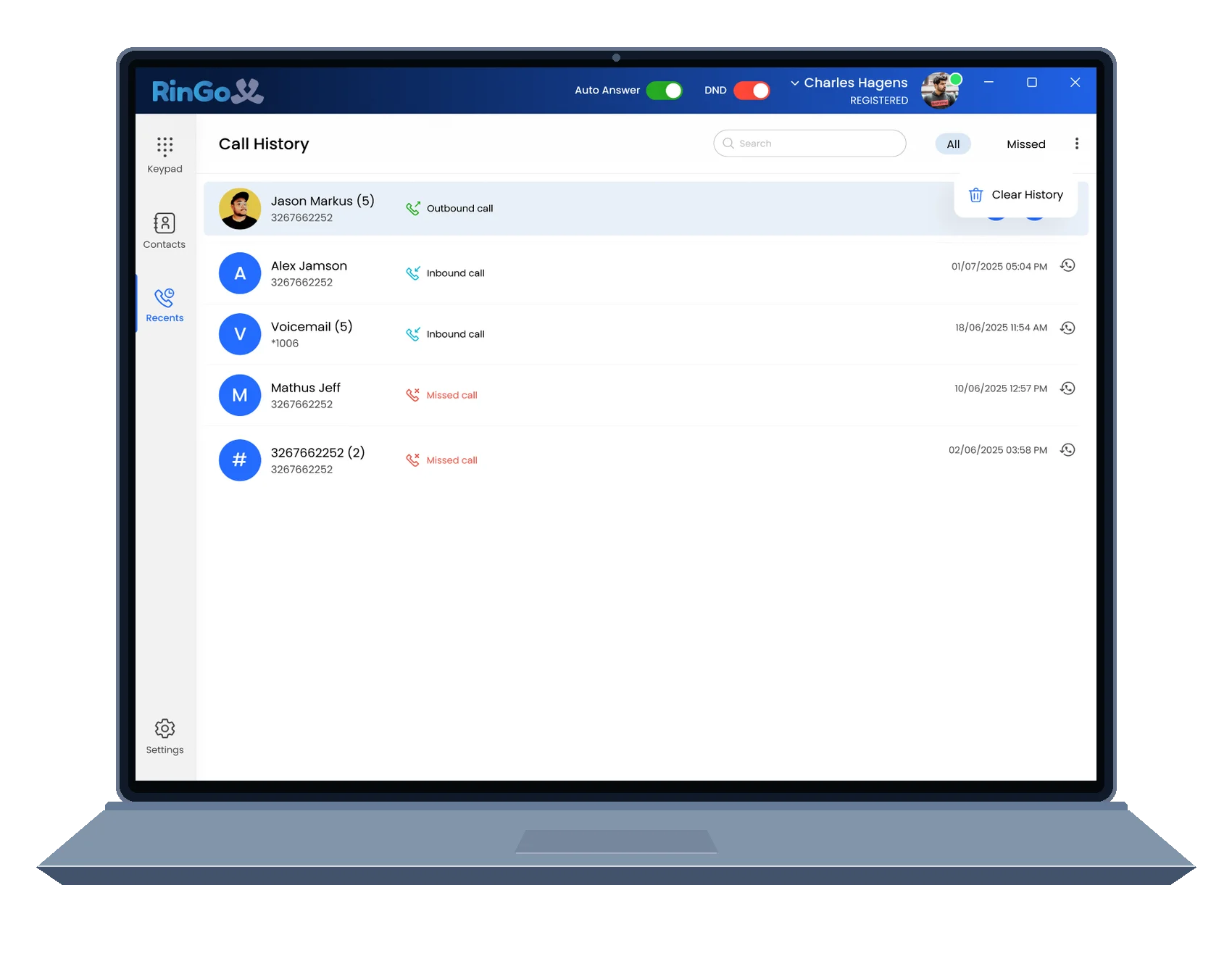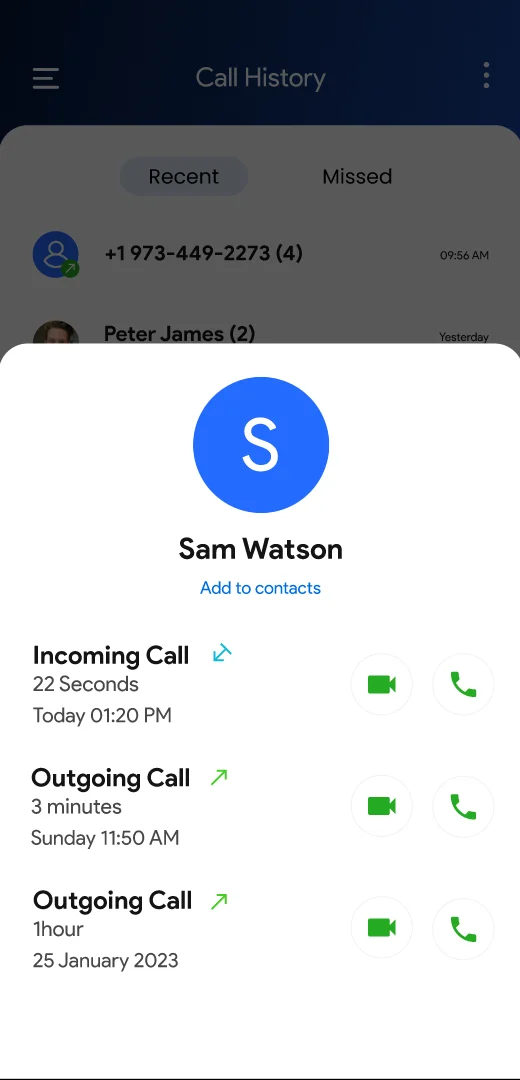
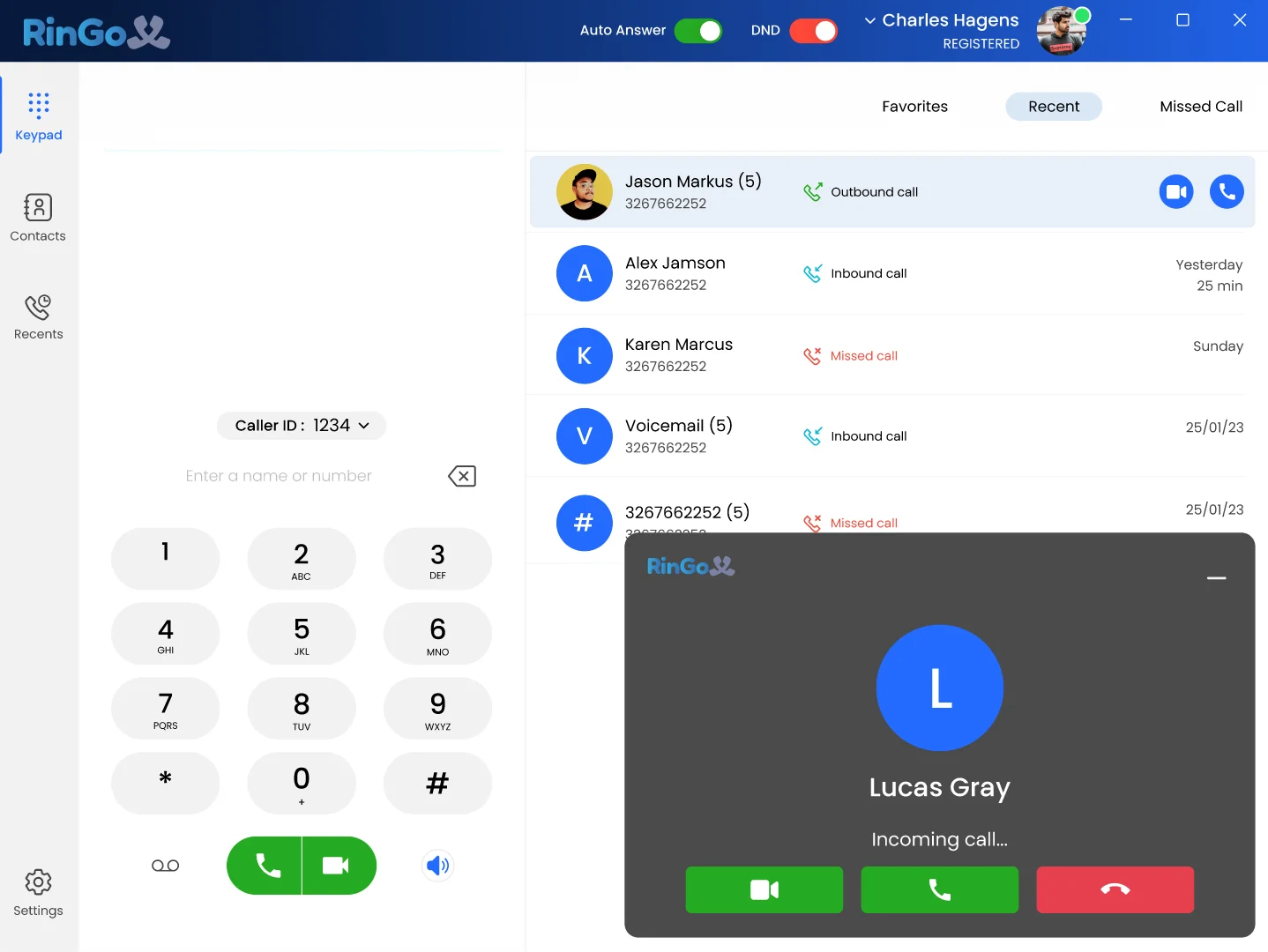
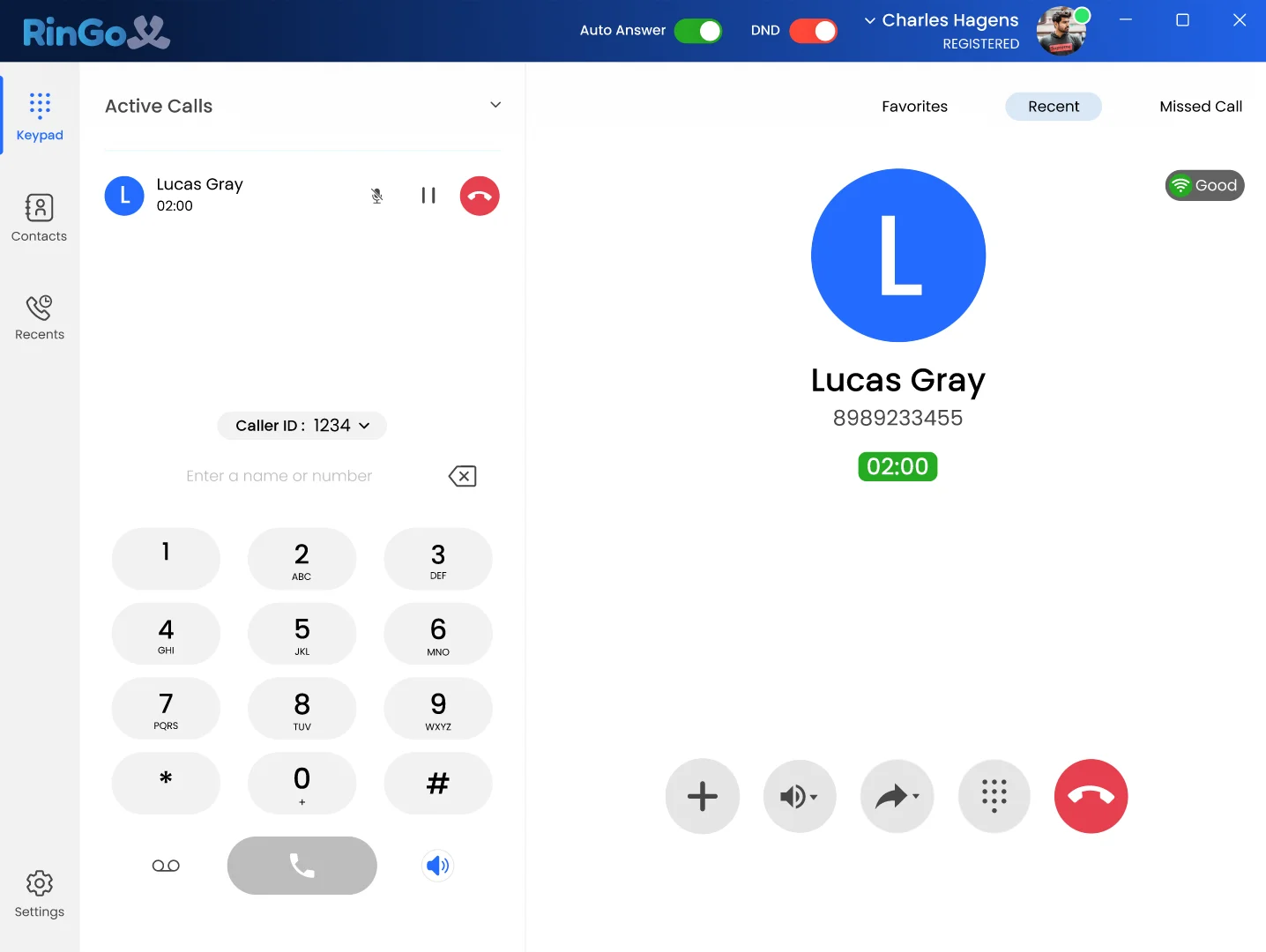
Return to recent calling activity.
Keep previous calls available so recent conversations are easier to find and revisit.
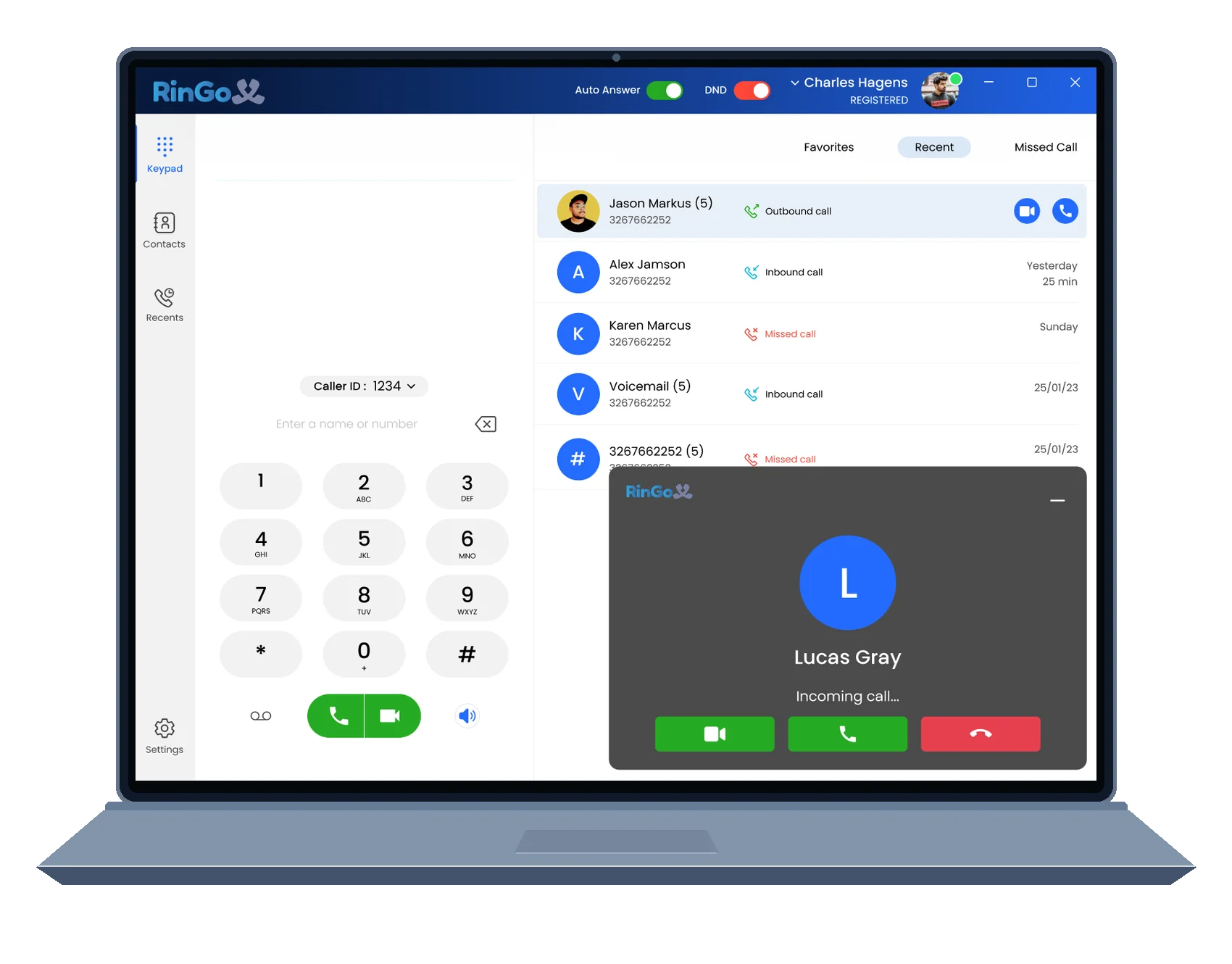
Answer, manage, transfer and continue business calls through one modern RingoX calling experience across supported desktop and mobile devices.
A business conversation changes as it moves. RingoX keeps the important calling controls available from the first ring through the final follow-up.
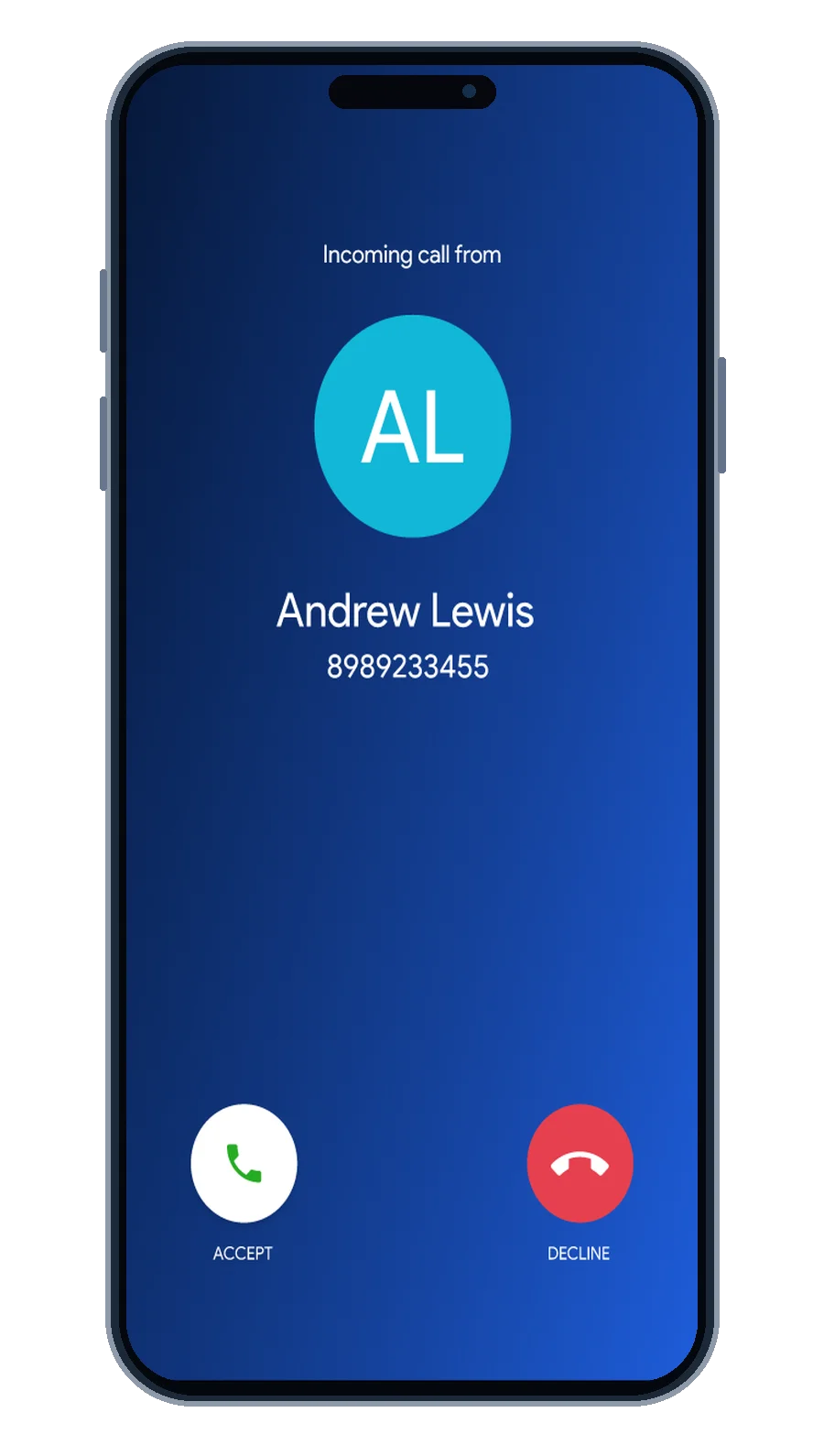
See the conversation as it arrives.
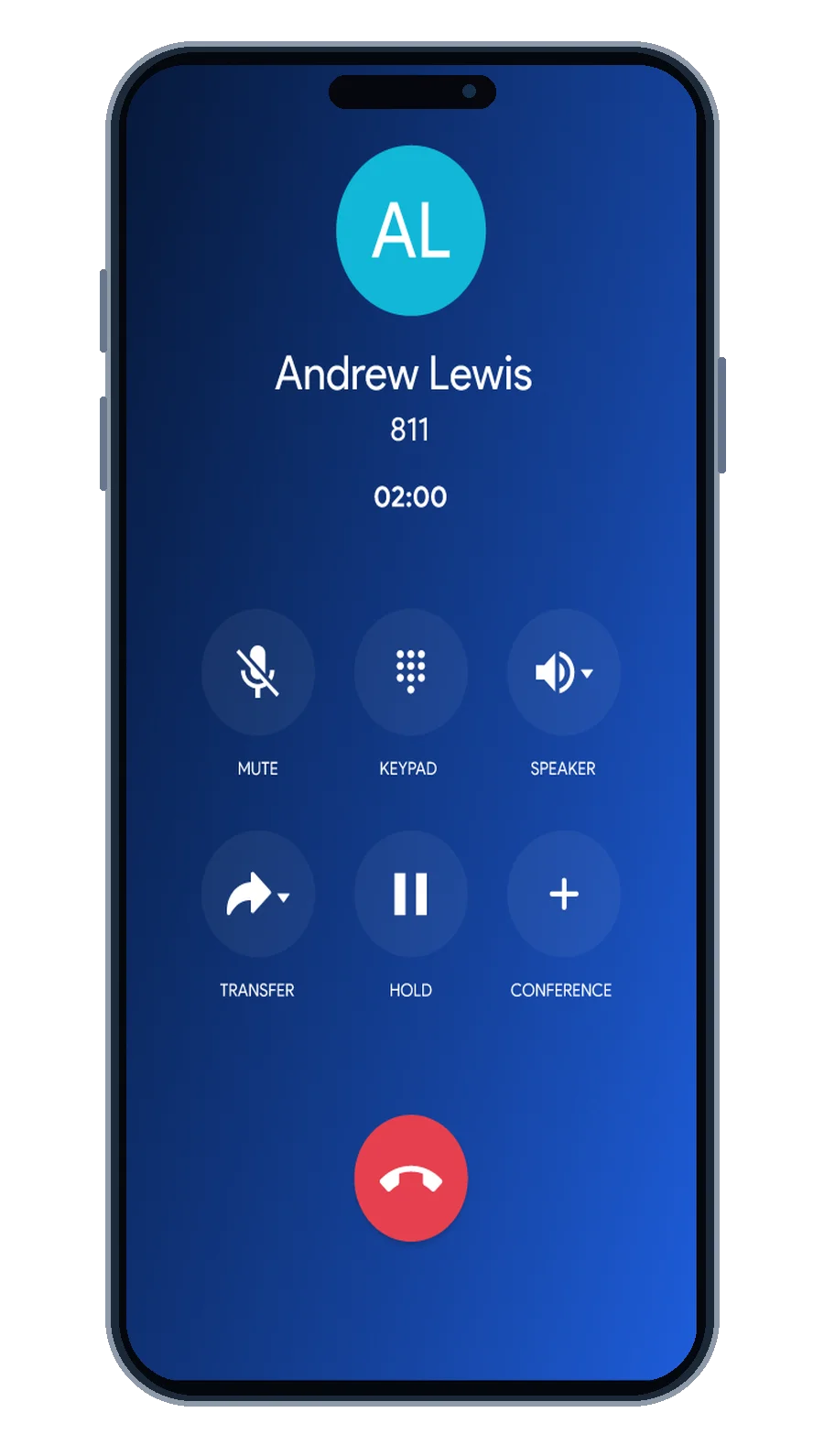
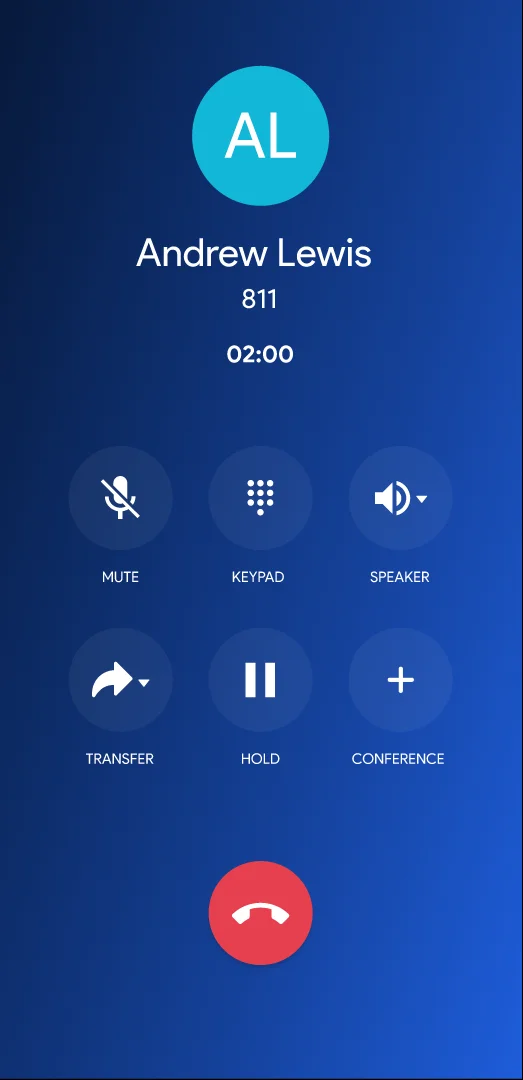
Keep key controls within reach.
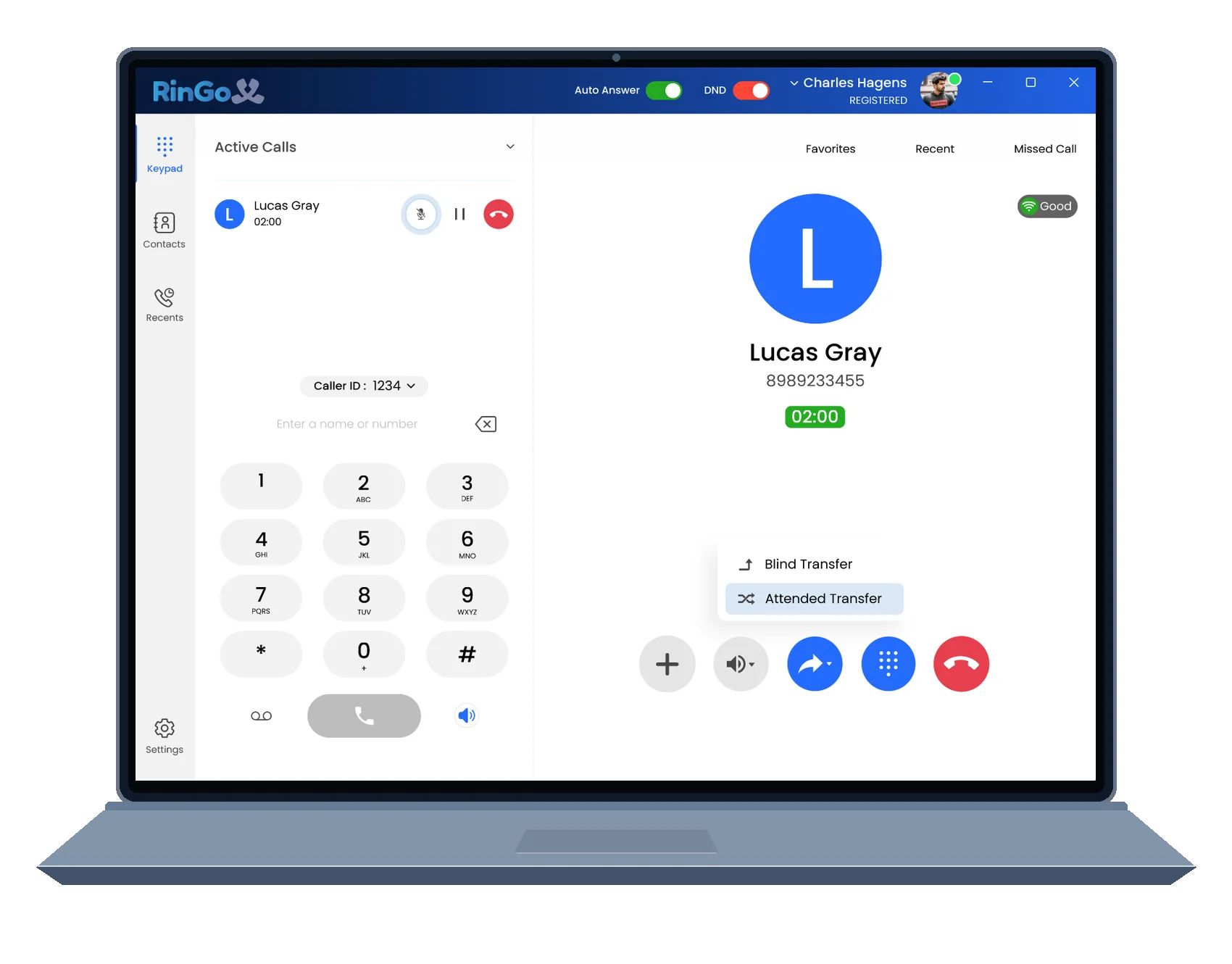
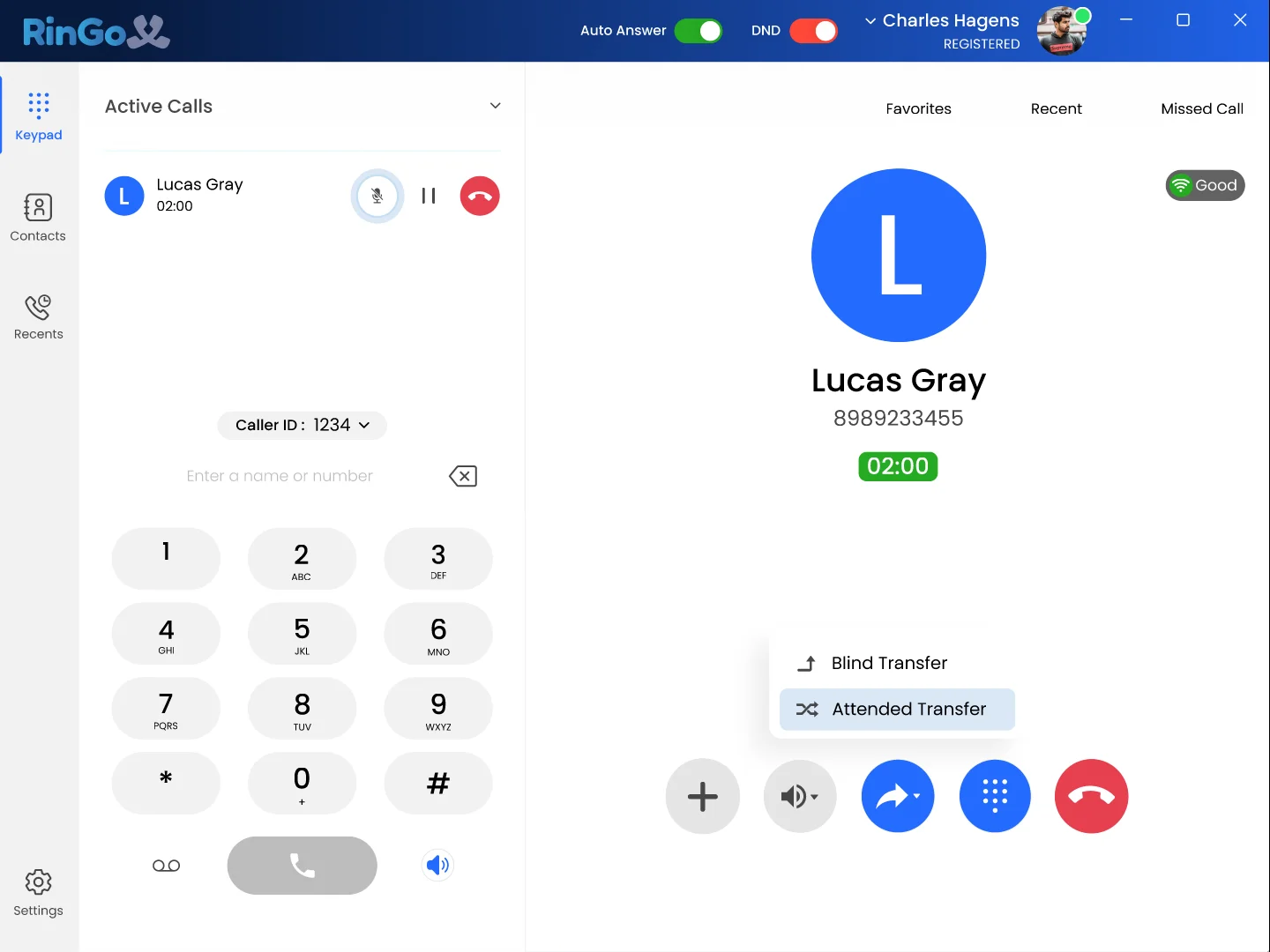
Send the conversation where it belongs.
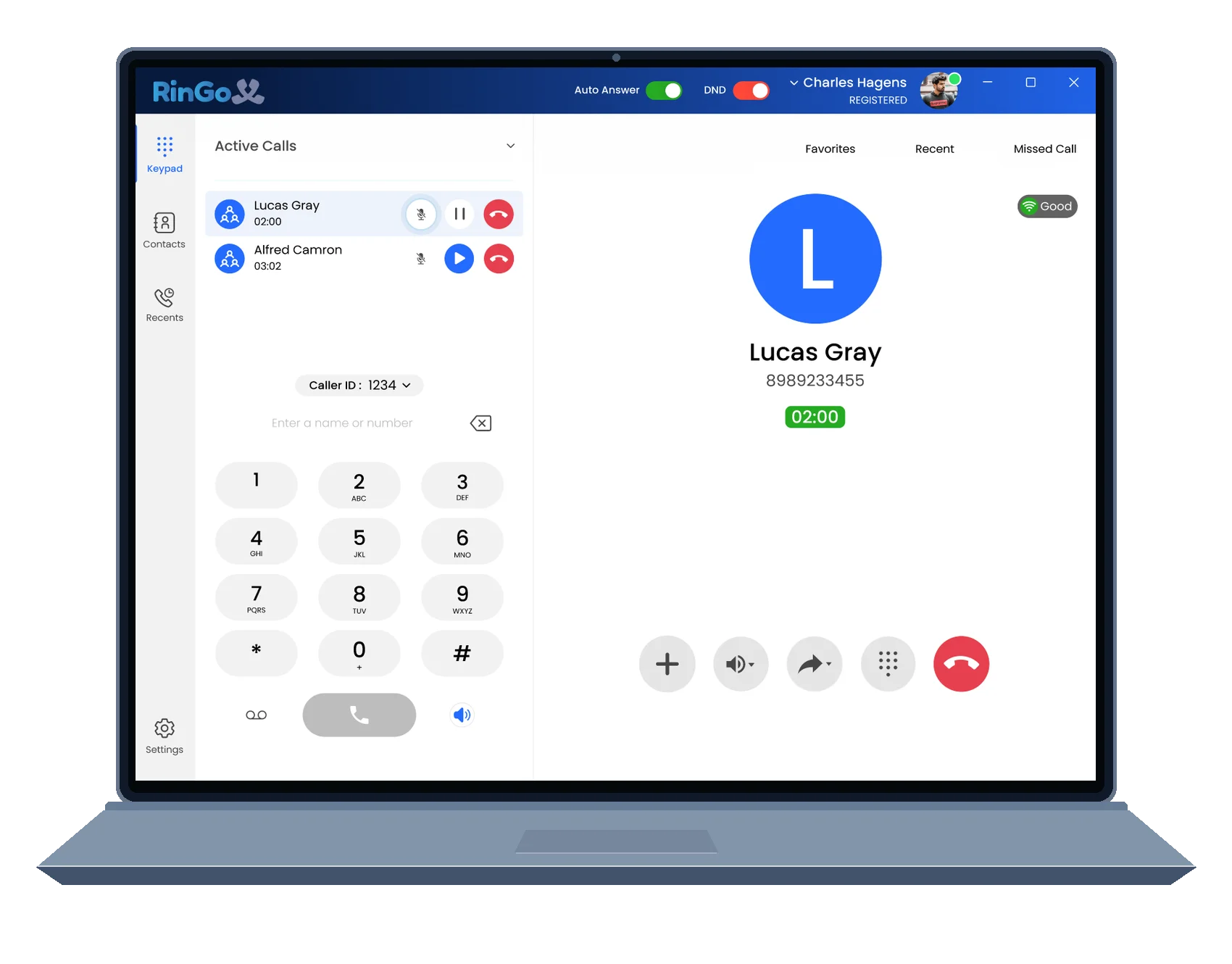
Bring additional people into the conversation.
Keep recent calling activity available later.
During an active call, RingoX keeps supported calling controls visible and within reach without turning the experience into a complicated phone console.
Speak with the receiving person before completing a supported transfer when context needs to move with the call.
Move a supported call directly when a conversation can be handed off without an introduction.
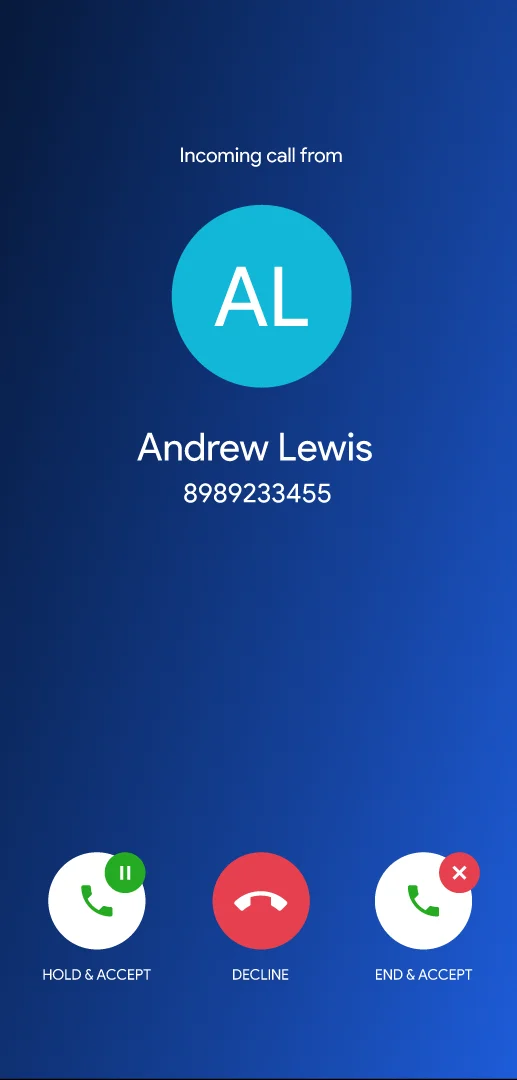
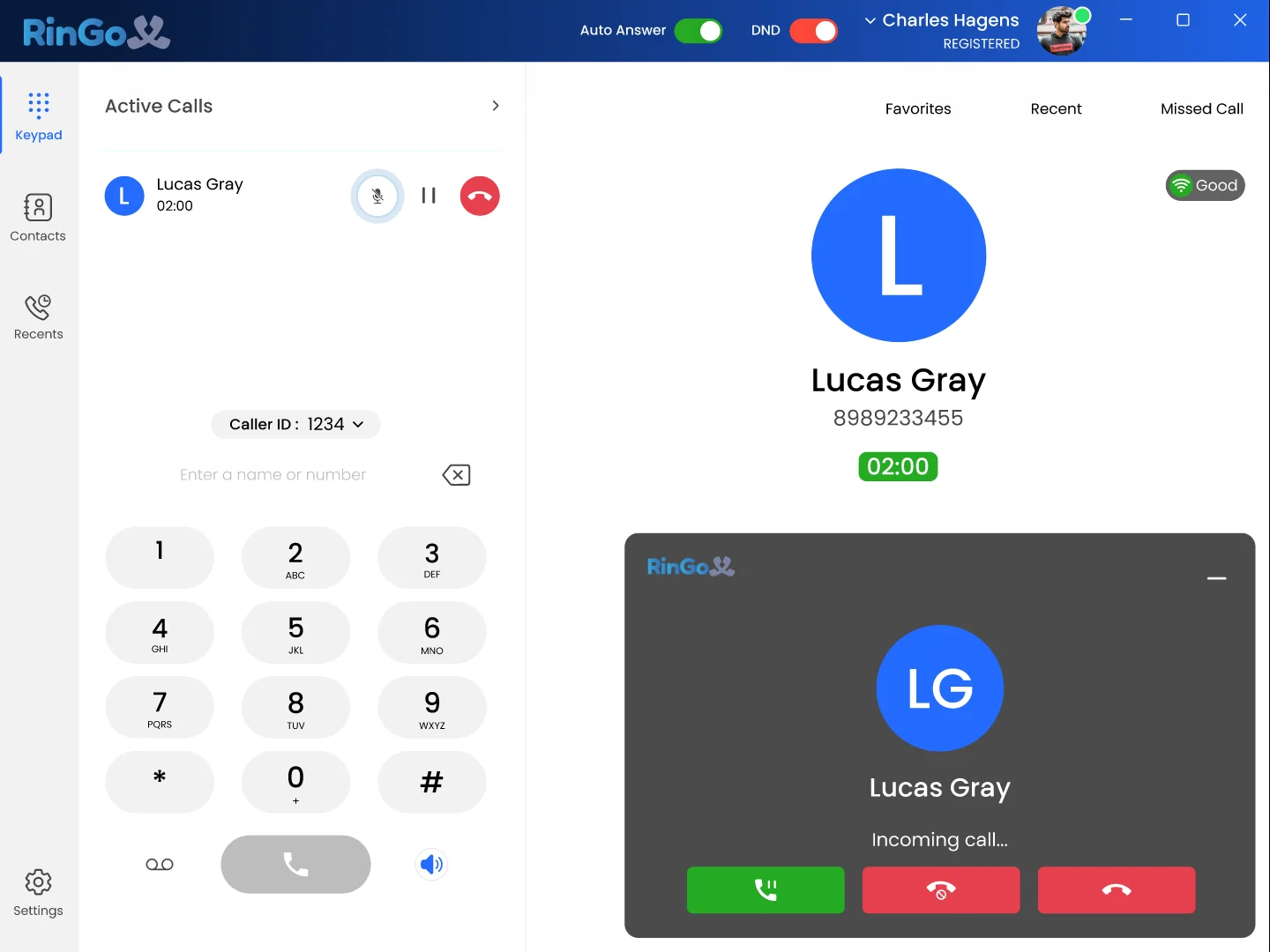
When another supported call comes in during an active conversation, RingoX can keep that new call visible so you know what is happening.
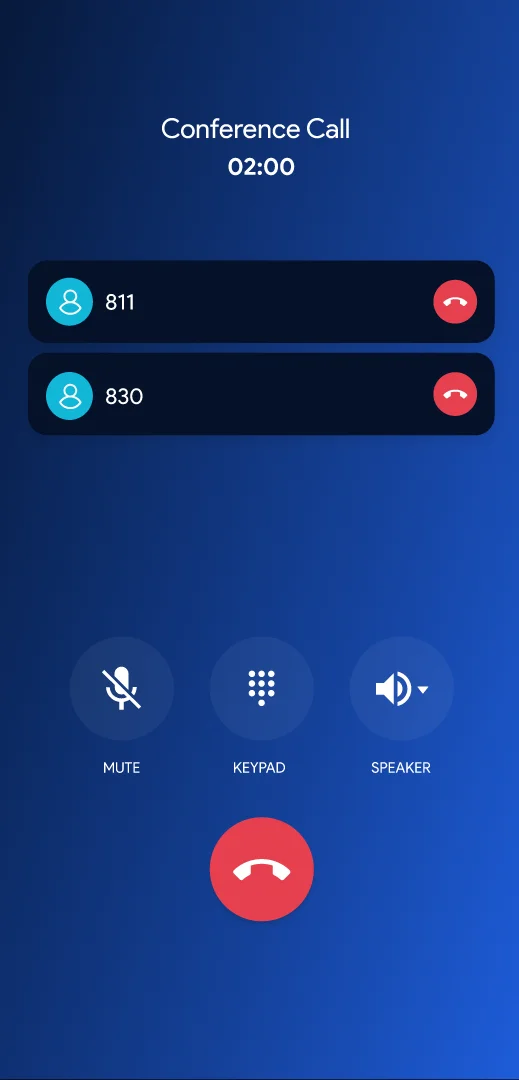
Bring additional participants into supported conversations from the RingoX desktop or mobile calling experience.
Keep previous calls available so recent conversations are easier to find and revisit.
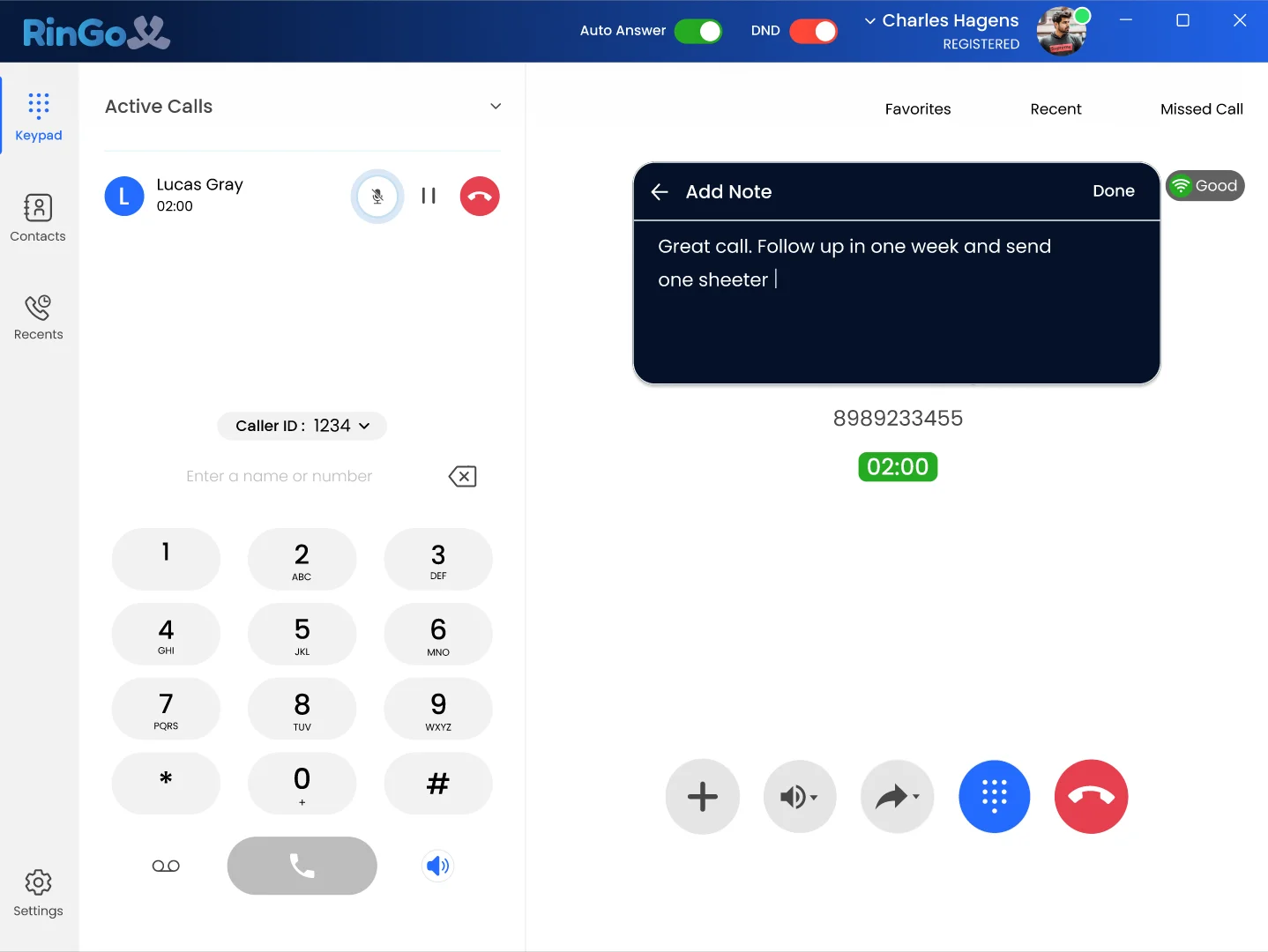
Add useful notes after supported conversations so important information is easier to find later.
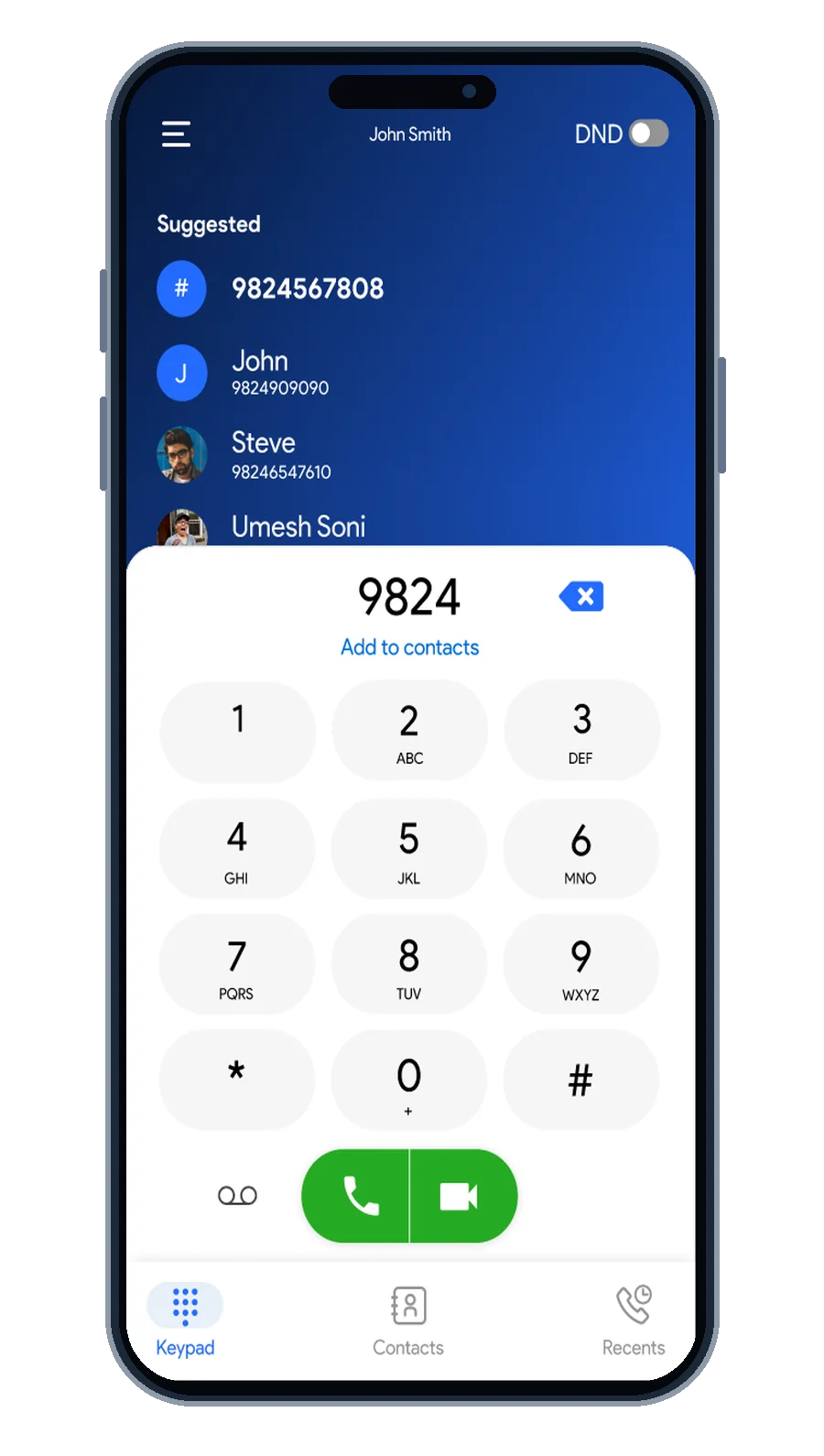
Keep key RingoX calling controls available from your supported smartphone when work moves with you.
Dial
Start the conversation
Answer
See who's calling
Talk
Keep call controls close
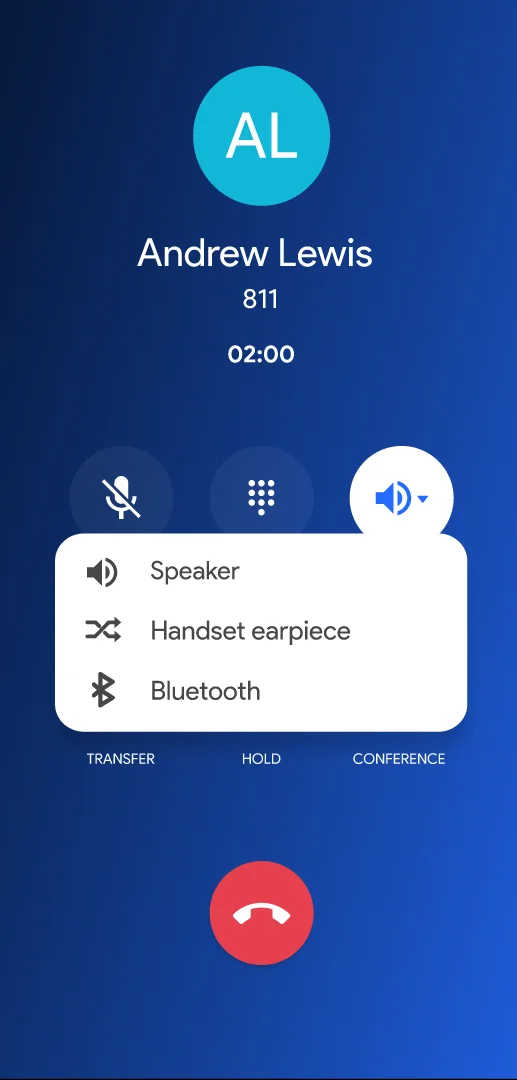
Audio
Manage supported audio options
Review
Return to call details
Bring professional calling, active-call controls, transfers, conference conversations, call history and mobile access into one RingoX experience.
Start with RingoX →