Desktop App
Use RingoX from supported Windows and macOS computers for an app-based work experience.
Download Desktop App →
 RINGOX APPS
Move between the RingoX desktop app, mobile app and Web App while keeping your business communication within one connected experience.
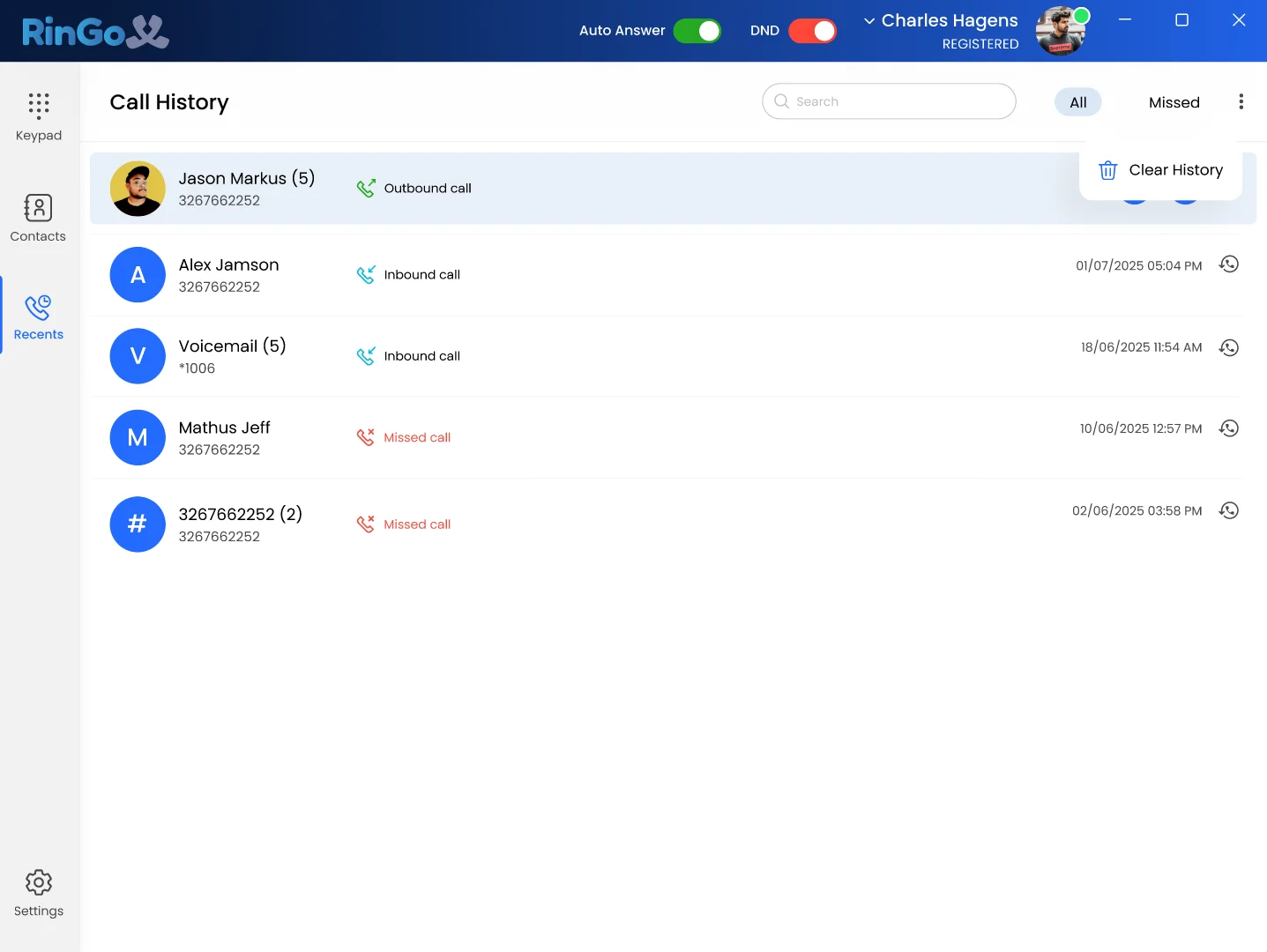
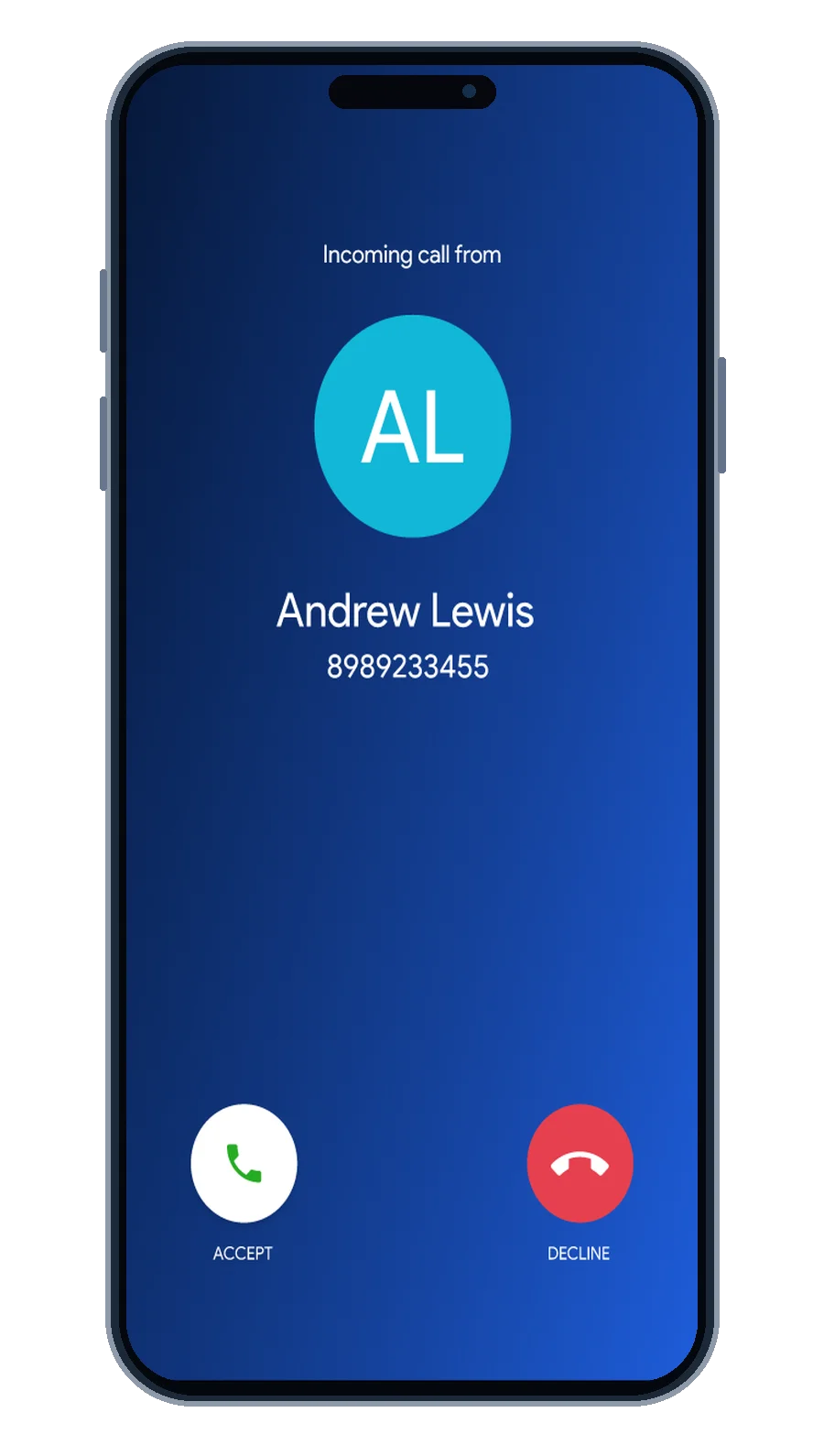
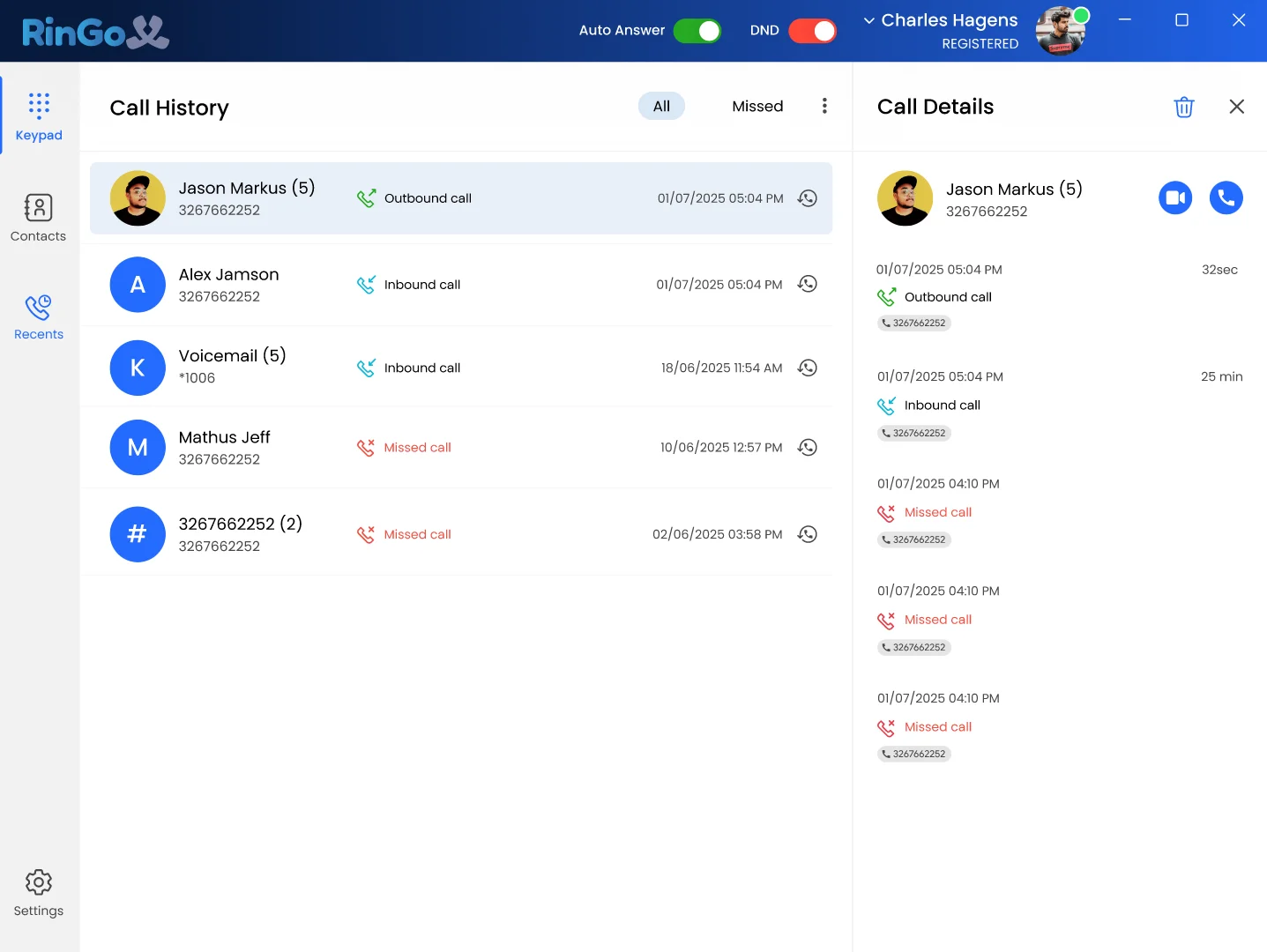
Use RingoX from your supported Windows or macOS computer for business calls, recent activity, contacts, transfers, conference calls and everyday communication.
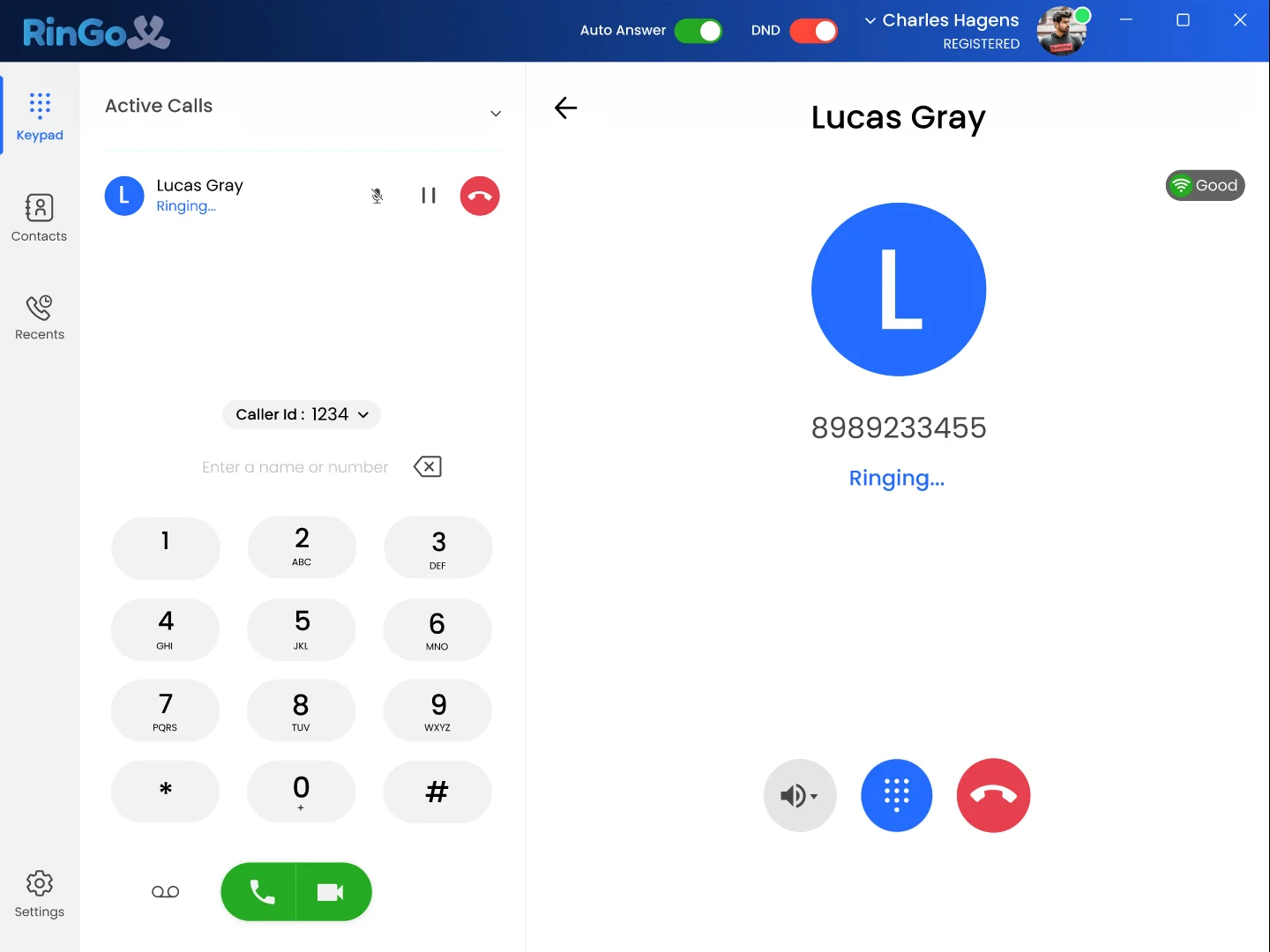
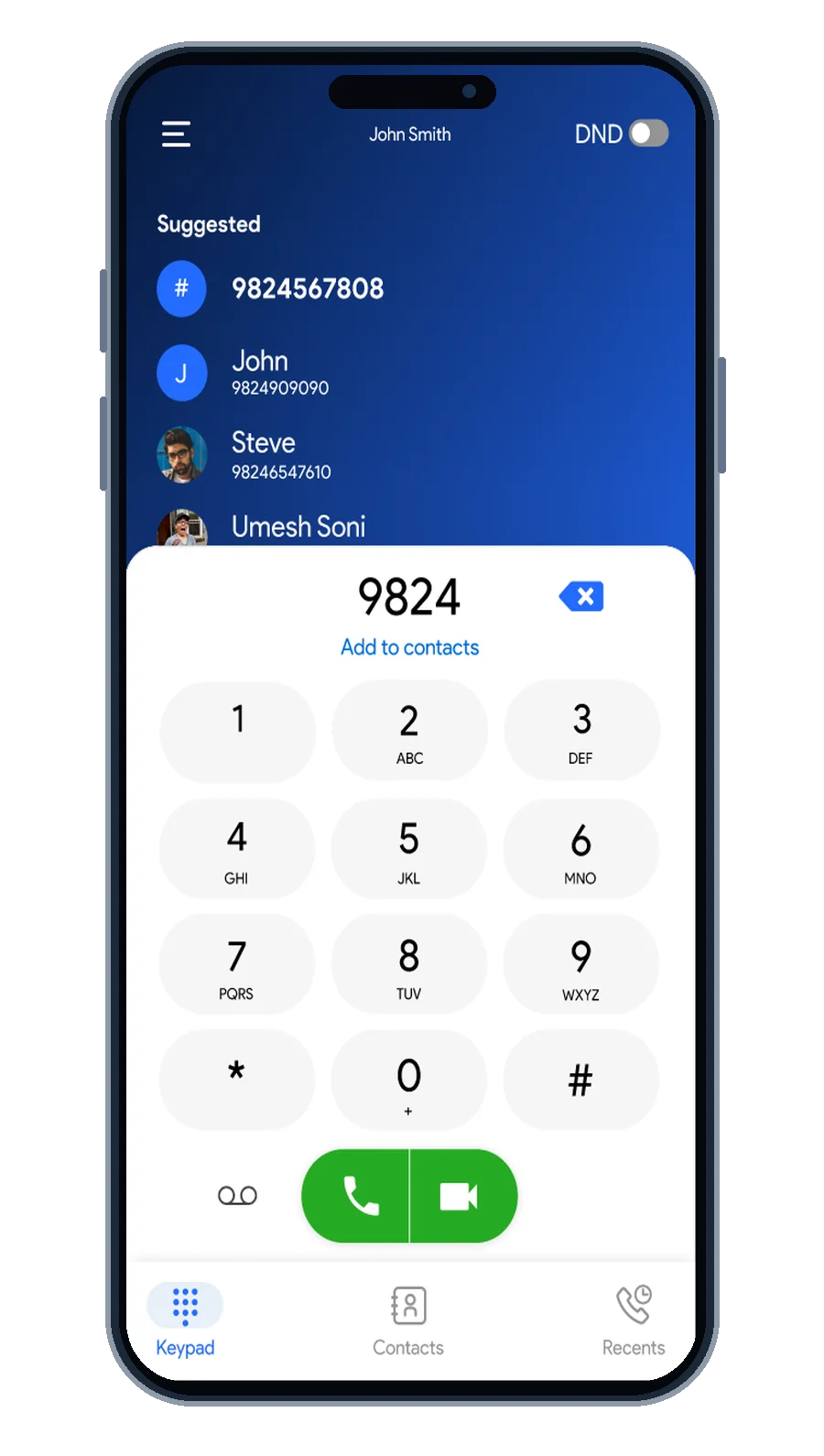 Dial
Start a business call
Answer
See incoming calls
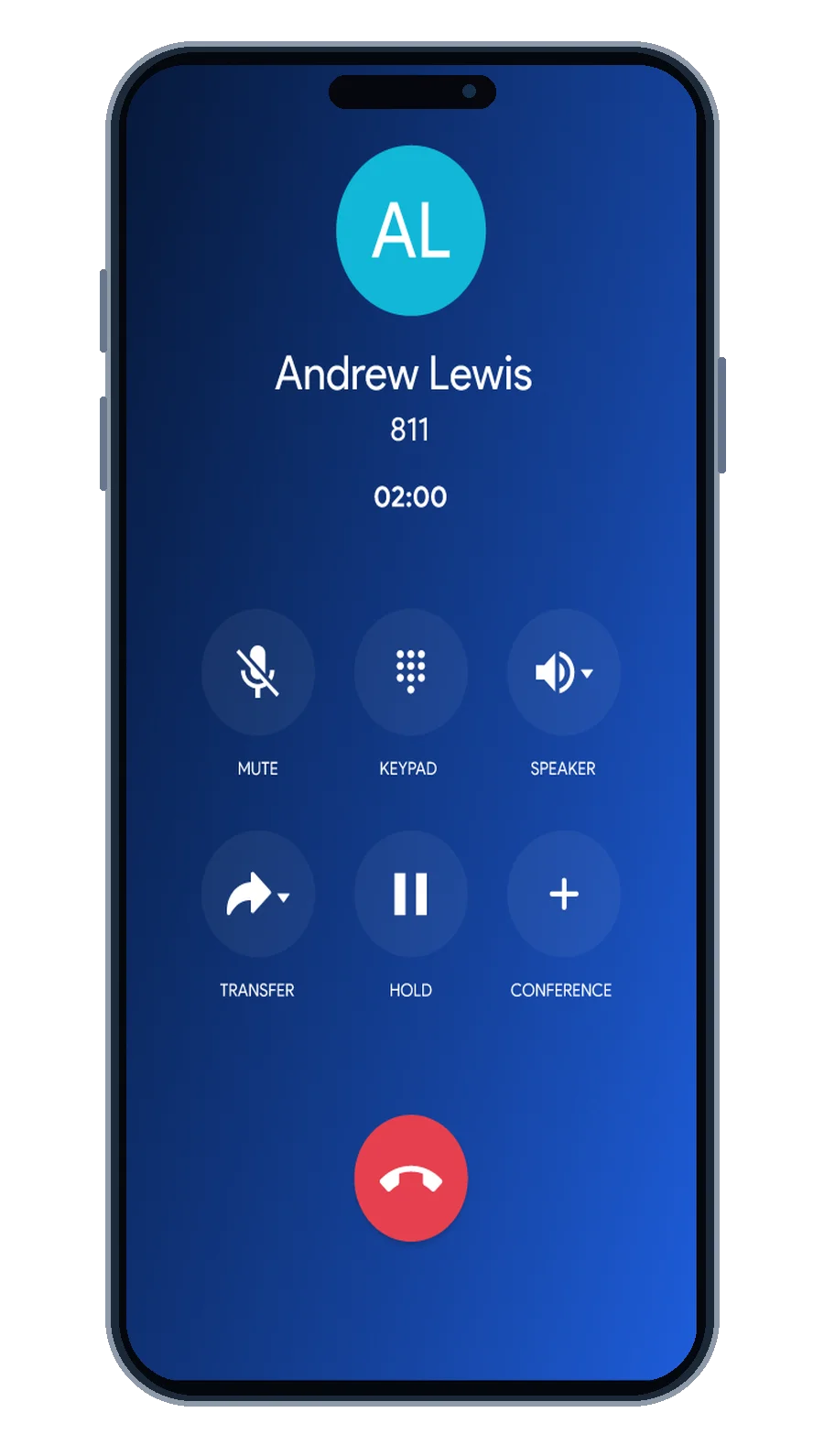 Talk
Use active-call controls
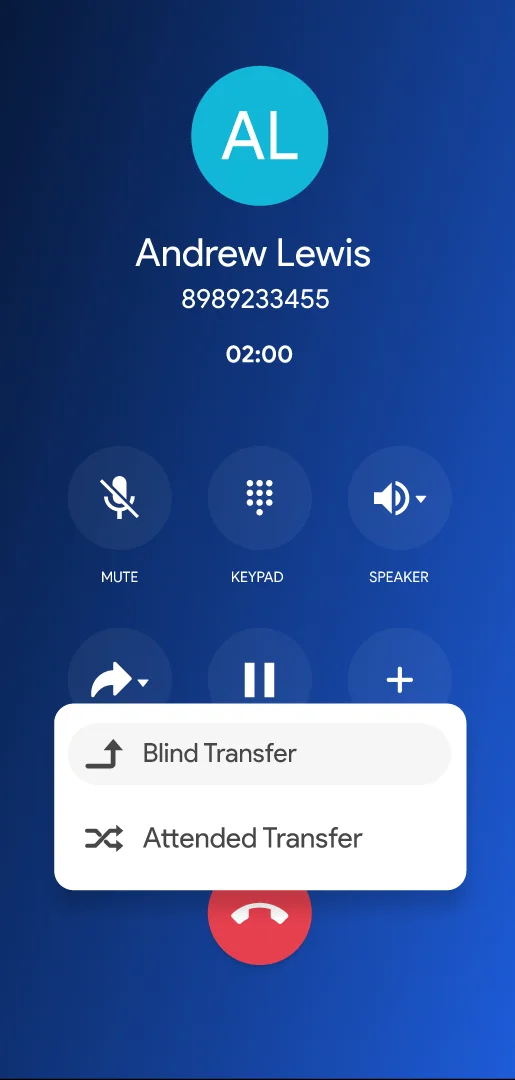 Transfer
Move supported calls
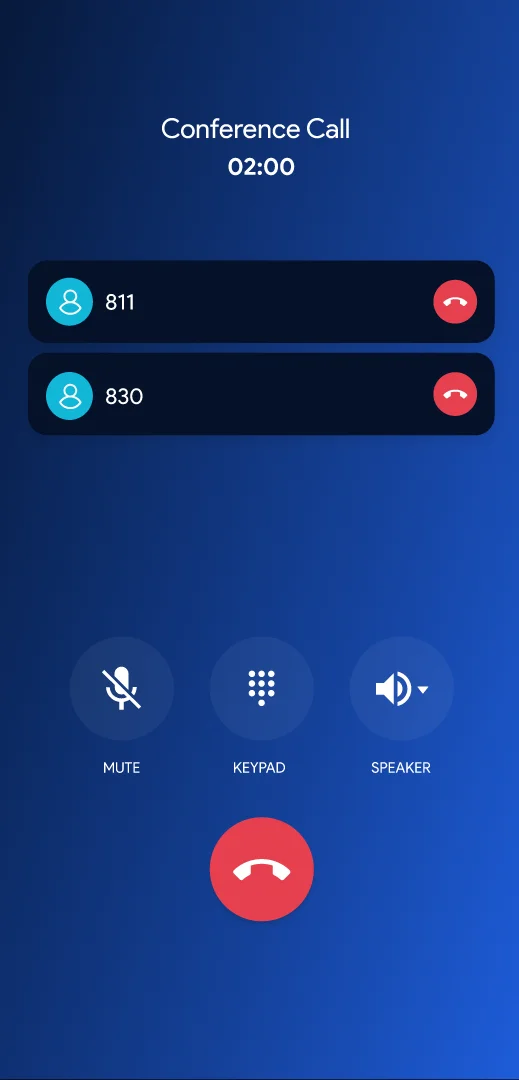 Conference
Add another participant
Access the RingoX experience from a supported web browser when you want business communication without relying only on an installed application.
Your work is not limited to one screen. RingoX gives you multiple ways to access your business communication throughout the day.
Choose the experience that fits the device in front of you.
Use RingoX from supported Windows and macOS computers for an app-based work experience.
Download Desktop App →Keep RingoX available from your supported iOS or Android smartphone.
Get Mobile App →Open RingoX from a supported browser when installing an app is not the right option.
Open Web App →
Use RingoX across supported desktop, mobile and web environments so your business communication can move with the way you work.
Get Started with RingoX →