Answer & make calls
Handle everyday inbound and outbound business conversations.

RingoX is designed to make getting started and staying connected straightforward. Choose the setup that fits, access RingoX, then use calling, messaging and communication tools across your supported devices.
Choose the level that matches your communication needs.
Your RingoX account and communication access are prepared.
Use your RingoX credentials on supported platforms.
Start handling everyday business communication.
Use supported desktop, mobile and Web App experiences.
Your plan determines messaging capacity, device access and the level of functionality available to your business.
Core RingoX communication with 1,000 included SMS and support for up to two devices.
More messaging capacity with 3,000 included SMS and support for up to three devices.
10,000 included SMS with advanced business and team communication functionality.
After sign-up, the account setup process prepares the RingoX access you need to begin using your business communication service.
Start with your business information and selected RingoX plan.
Your account is configured for the RingoX communication experience associated with your setup.
Use your RingoX username and password to access the supported RingoX experience.
Once your setup is ready, you can begin handling business communication through RingoX.
Use your RingoX username and password on supported RingoX platforms and access the communication tools available with your setup.
RINGOX APP
Use RingoX for business calling, business SMS and supported call controls while keeping recent communication close when you need context.
 RingoX
Your communication workspace
Make and receive professional business calls.
Send supported customer communication and updates.
Move or expand supported conversations when needed.
Return to recent activity and business contacts.
Work from your computer, take RingoX with you on mobile, or access the Web App when browser-based access makes more sense.
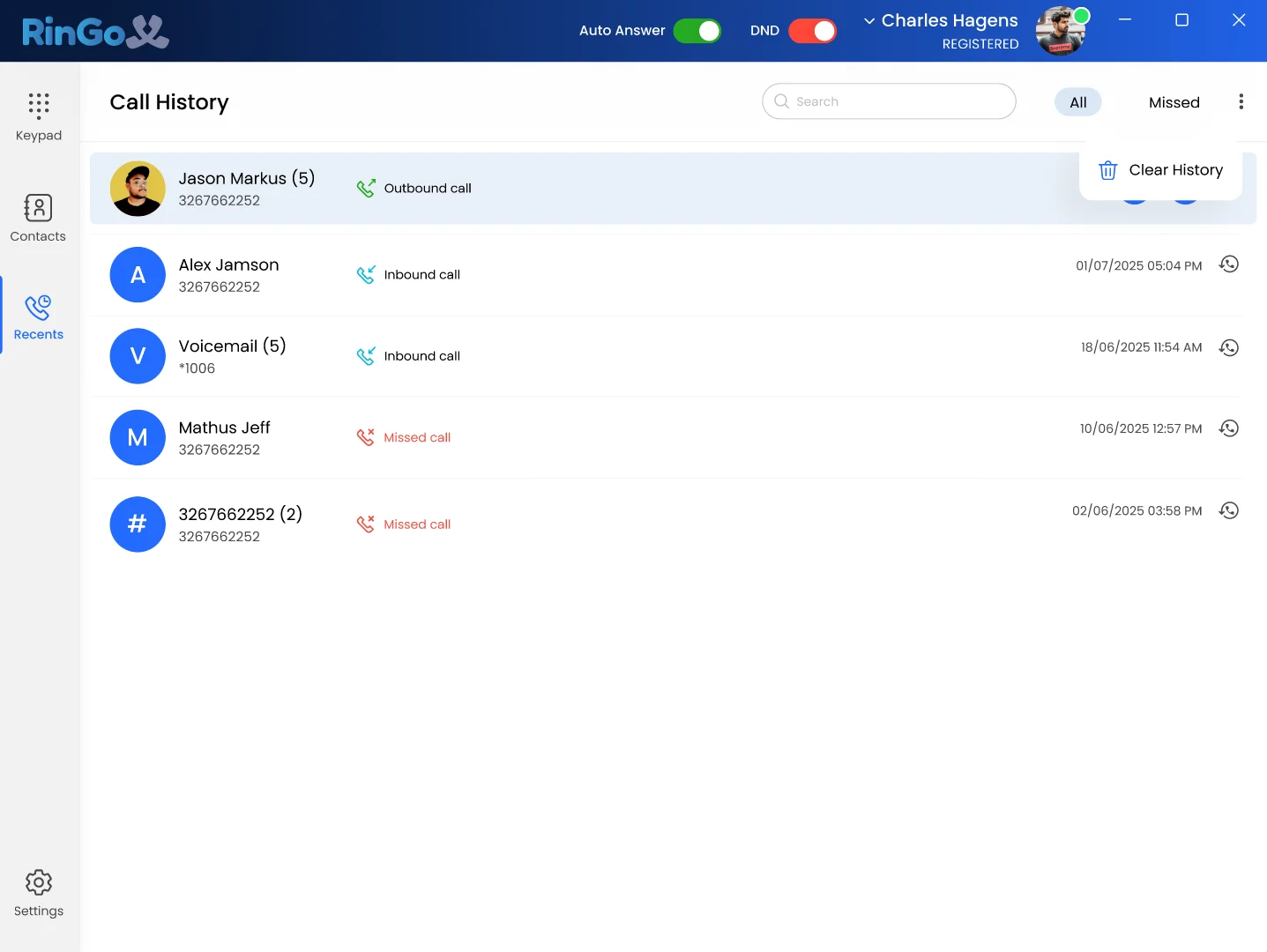
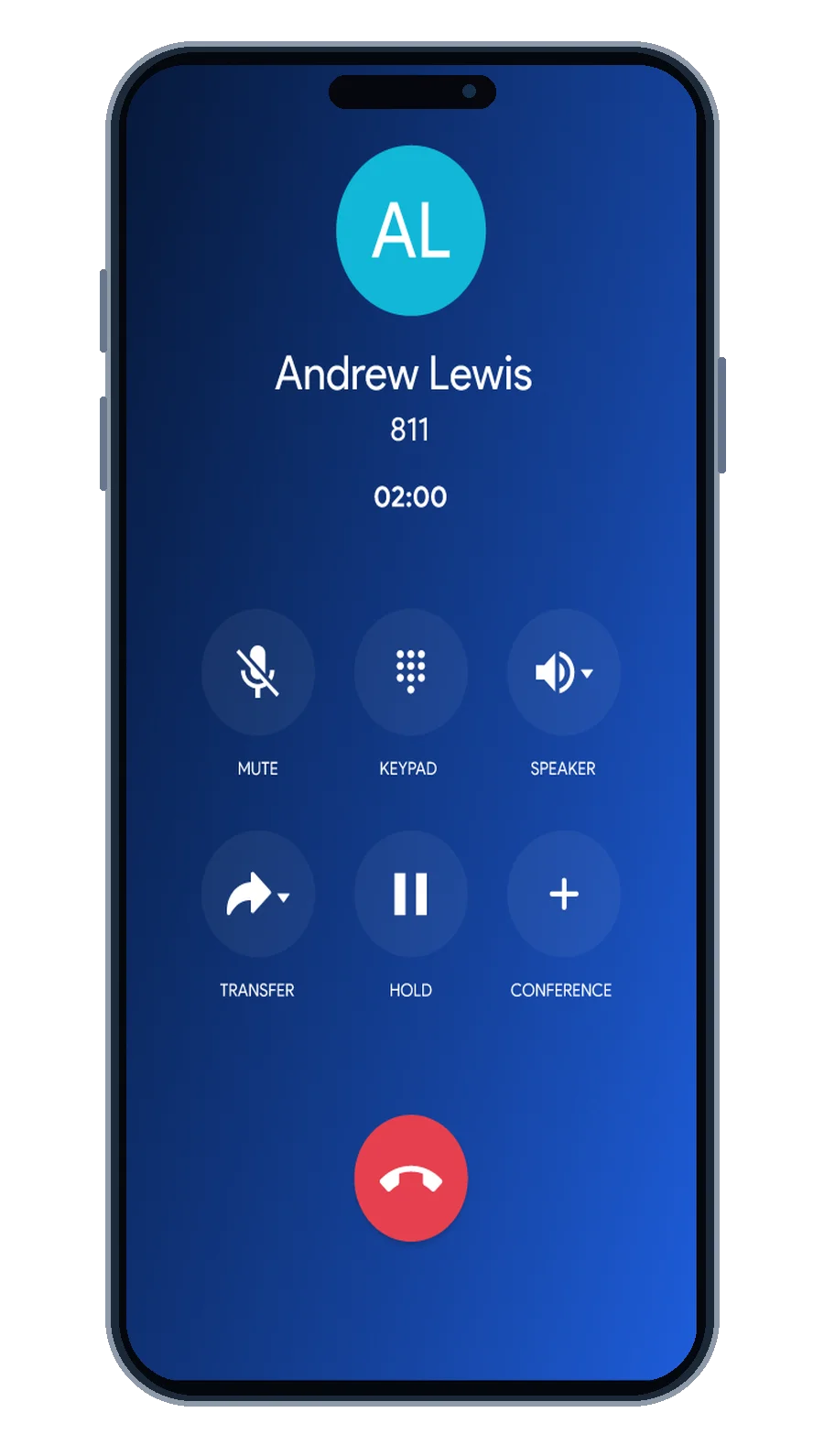
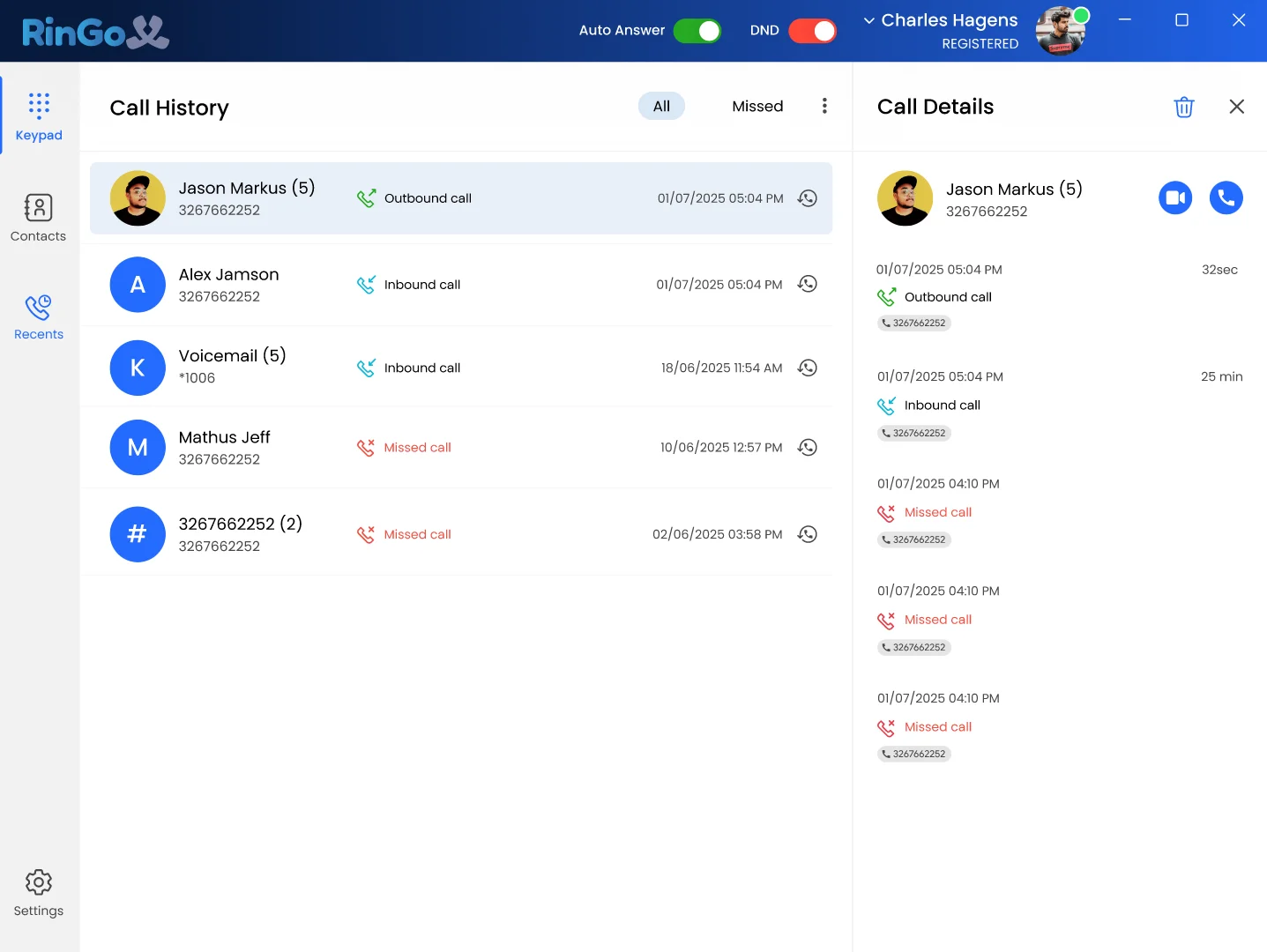

Bring business calling, messaging and supported multi-device communication into one RingoX experience.